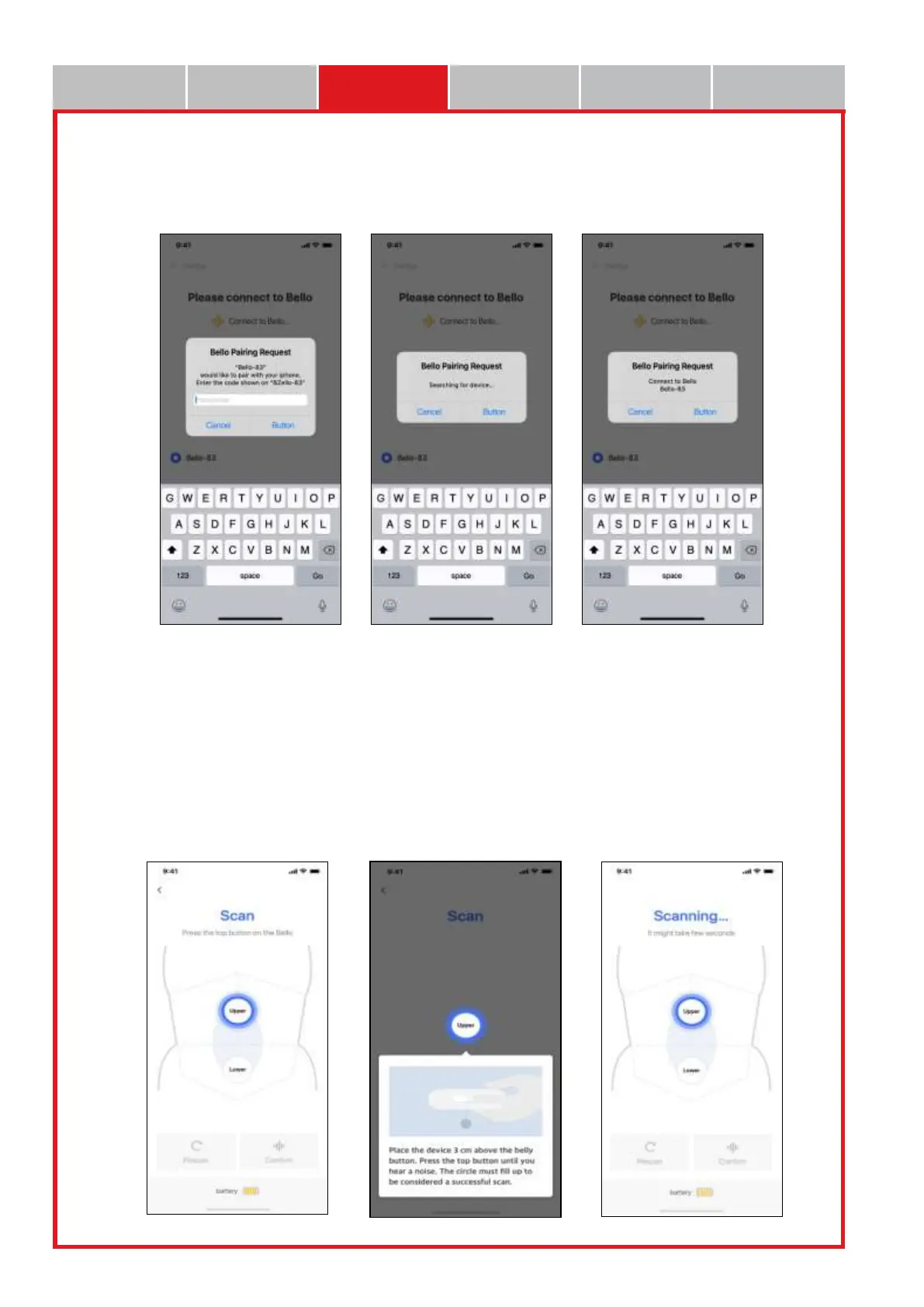
• When the instrument is selected, the pairing window is displayed and the instrument is connected
with the app as the code generated is inputted therein. If connected normally, the LED “V”
message of Bello Device will be displayed.
It is then shifted to the scan screen.
3.1.4 How to measure and use the app
• When the blue light blinks on the upper side in the app scan screen, adhere Bello device to the upper
abdomen about 3cm above the measured navel and click the measurement button on the top of the
instrument.
(The measurement will take approximately 3~5 sec. Be careful so that the instrument is not separated
from the measured part during the measurement.)
• When a “beep” sound is heard together with the scanning statement on the top of the app screen, the
measurement is completed.


 To Next Page