Access level 3:
These functions are implemented during the installation and need the technical code to be accessed. The technical code is
"364", it is the same for all panels and cannot be changed. These functions that can be implemented using the technical
code are activation methods used for the relays and can be done only if the panel has not issued an alarm or fault condition.
These functions are ancillary and not required by the EN 54-2.These methods of programming are:
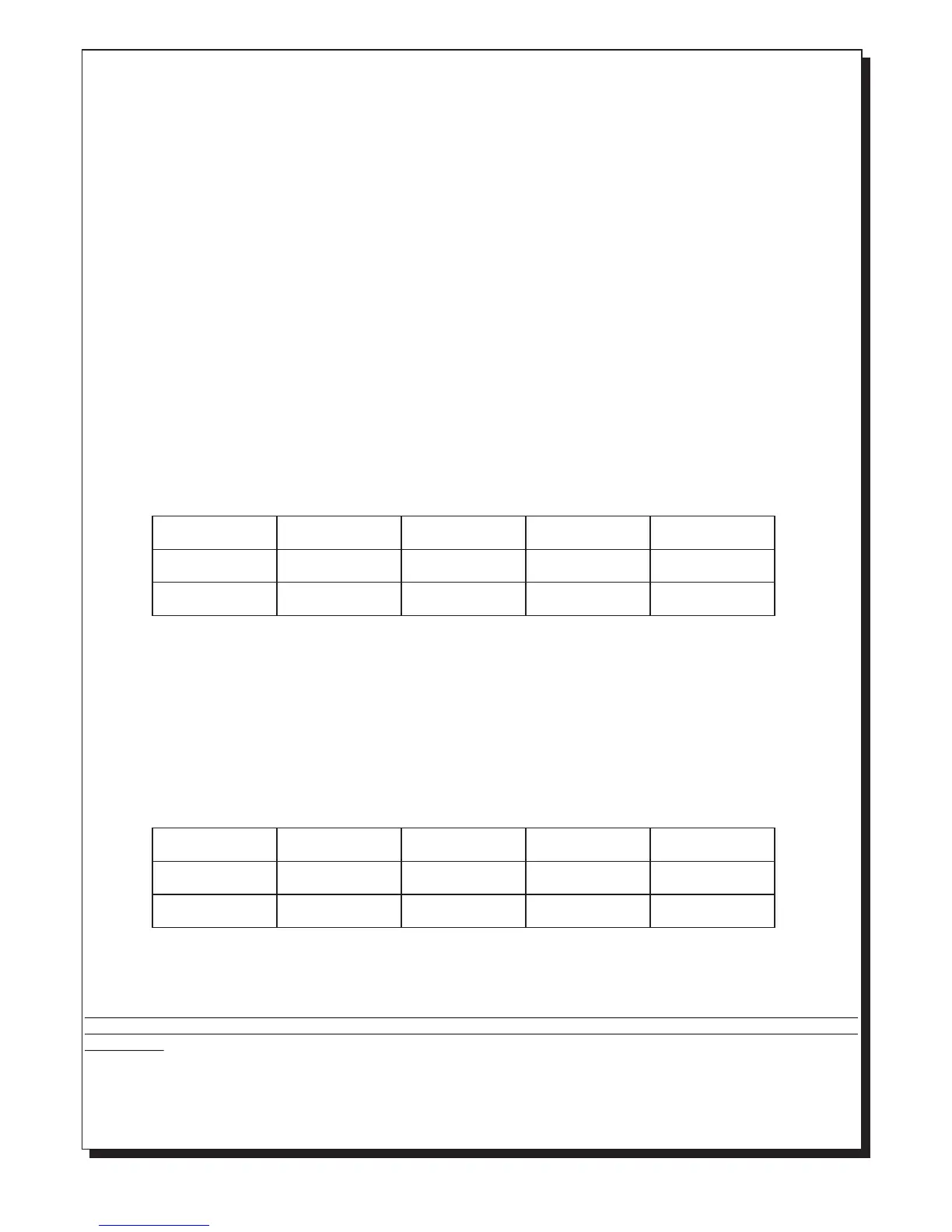
AUX RELAY programming. If we want to program the operation behaviour of the AUX RELAY we must enter the technical
code ( 364 ) and then press the number key '5'. The 'General fault' and 'General alarm' LEDs start to blink . The Alarm LED
of zone 1 and zone 2 show the way the AUX RELAY is programmed according to the table below.
corresponding 'Alarm' LED lights to indicate this. Using the keys 1, 2, 3, 4, 5 and 6 we can enable or disable the
respective zones. The disabled zones light the corresponding LED. The panel exits this mode if no key is pressed for
more than 30 seconds. The panel then conducts an automatic RESET and enters normal operation mode. All disabled
zones are supplied with the proper voltage but cannot issue an alarm or fault condition. If we have disabled zones then
this is indicated with the indicators 'General disable' and the corresponding Disable LED zone and the buzzer sounds
once every minute.
Siren enable/disable: If we want to disable the operation of specific sirens the we must enter the code (34) and then the
keys numbers '6' and ‘6’. The LED marked 'General Test' start to blink, and if a siren is disabled Siren1 LED lights for
siren 1 and Siren2 LED lights for the siren 2. Using the keys 1 and 2 we can enable or disable the respective sirens. The
disabled sirens have a LED lighted. The panel exits this mode if no key is pressed for more than 30 seconds. The panel
then conducts an automatic RESET and enters normal operation mode. All disabled sirens are supplied with the proper
voltage but the panel cannot enable them or read their condition. If we have disabled sirens then this is indicated with the
indicator 'General disable' and the buzzer sounds once every minute.
The default setting of this relay is set to be activated from a general alarm and immediately with no delay. In this
programming mode if the keys '1' and '2' are pressed , we can toggle the LEDs ON or OFF until we archive the desired
behaviour according to the table above. In order to exit this programming mode and to store the settings in memory press
the key '6' or do not press any key for more than 30 seconds. This system will conduct an automatic RESET and will enter
normal operation mode.
ZONE RELAY programming. If we want to program the operation behaviour of the zone relays then we must enter the
technical code ( 364 ) and then press the number key '5'. The 'General fault' and 'General alarm' LEDs start to blink. The
Fault/Disable LED of zone 1 and zone 2 show the programmed activation method of the zone relays according to the table
below.
The default operation method for the zone relay is set to permanent activation. Using the keys '3' and '4' we can
toggle the ON or OFF state of the LEDs until the desired activation programming has been reached. In order to exit this
programming mode and to store the settings in memory press the key '6' or do not press any key for more than 30 seconds.
This system will conduct an automatic RESET and will enter normal operation mode.
We can also program the RELAY so that it can cooperate with BS-680 or BS-684 type electrovalves by shorting
the adjustment jumper. In this case the RELAYS are activated for 10sec. during the alarm. After 10sec. they are
deactivated.
RESOUND sirens. It is possible to configure to automatically re-sound the sirens following an alarm in another zone. You
must enter the technical code (364) and then press the number key '5'. The 'General fault' and 'General alarm' LEDs start to
blink. If the Alarm zone 4 led is off the sirens resound following an alarm in another zone else if the led is on the sirens does
not resound. By pressing the key '5' you can change the configuration.
LED Alarm zone 2
Fault zone 2
LED Alarm zone 1
Fault zone 1
General Alarm
Direct activation
Permanent
activation
General Alarm
Delay 45 sec
Activated for
10 sec
General Alarm
Delay 2 min
Activated for
30 sec
General Fault
Direct activation
Activated for
60 sec
LED Off
LED Off
LED Off
LED Off
LED On
LED On
LED Off
LED Off
LED Off
LED Off
LED On
LED On
LED On
LED On
LED On
LED On
Page 3 from 9 921636000_09_023



 To Next Page
 Loading...