43
<
Mac OS X⽧Install
>
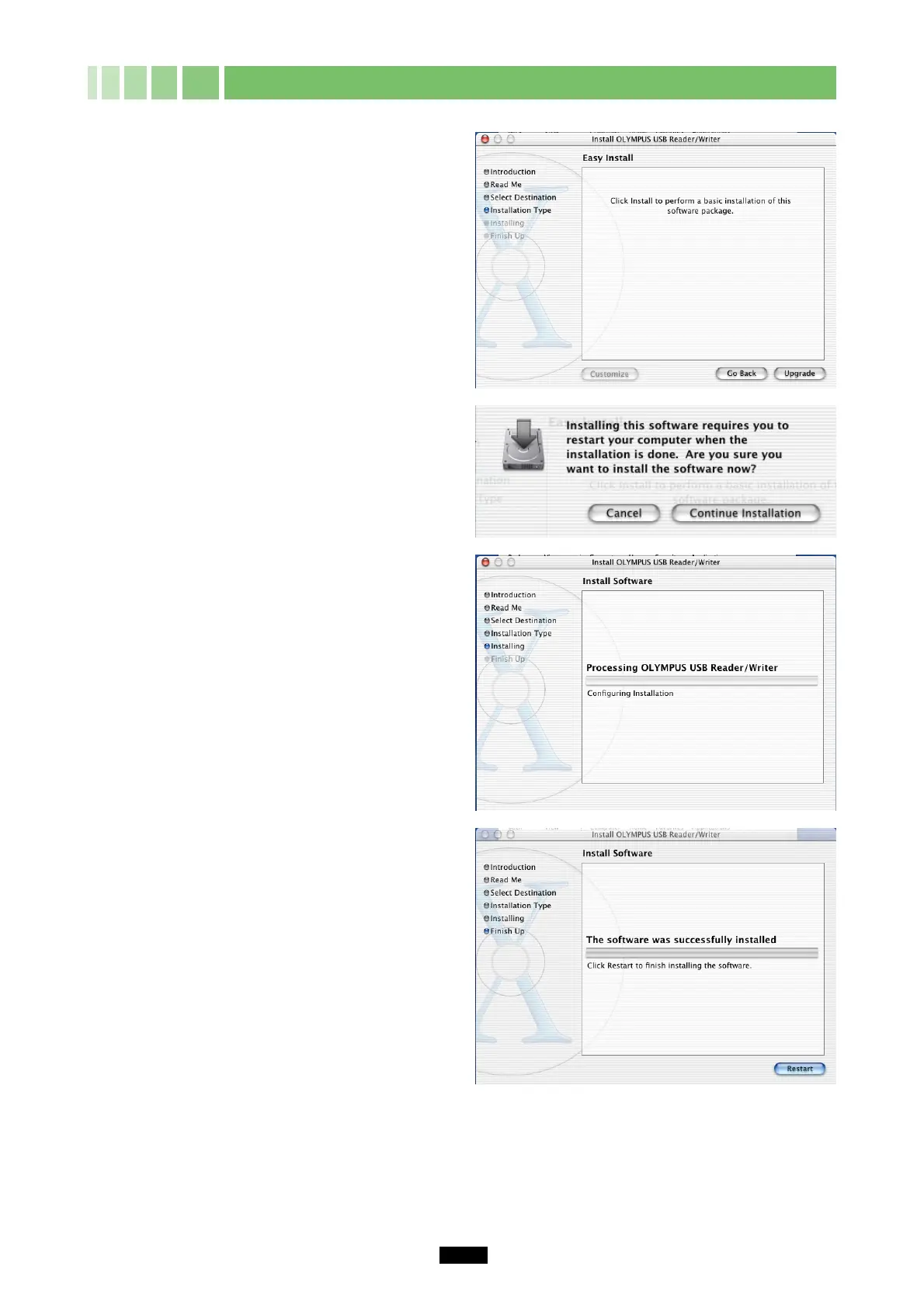
10. Click the “Install” (or “Upgrade”) button.
11. Click the “Continue Installation” button.
12. The window at right appears during the
installation.
13.Click the “Restart” button.
The device driver is now installed.
(Remove the CD-ROM from the CD-ROM drive and store it in a safe place.)



 To Next Page