SPECIFICATIONS CV-160
1-3
Item Specification
1. Observation image display position
1. Type of observation
image
The user can select the endoscopic image display size from the
followings depending on the scope (CCD) applied.
Note 1)
Change the display size on the keyboard or with the scope
switch or RS-232C communication.
Note 2)
Standard setting is as follows.
• 3700/01/08: NTSC = Medium
PAL = Medium
• 3704: NTSC = Full-height
PAL = Semi full-height
• 37071: NTSC = Small
PAL = Small
1. Specifications
• When replacing the scope with a different type,adjust the
white balance using the supplied white cap.
• A memory function is provided to hold the previous white
balance data even if the power switch is turned off.
• Calibrate the white balance automatically if the scope
with the scope ID function (EVIS EXERA 160 series) is
connected to the CV-160.
Note) It is necessary to calibrate manually again if the light
source changed.
2. Setting method
• Select the type of light source(xenon=CLV/halogen=CLE)
on the system setup screen.
• Depress the white balance switch on the front panel.(It is
not necessary for scopes with the scope ID function.)
3. Switch depression detection time
• Approx. 1 second
4. Observation
2. Front panel picture quality adjustment
1. White balance
4. Time required by correction operation
• Approx. 1 second
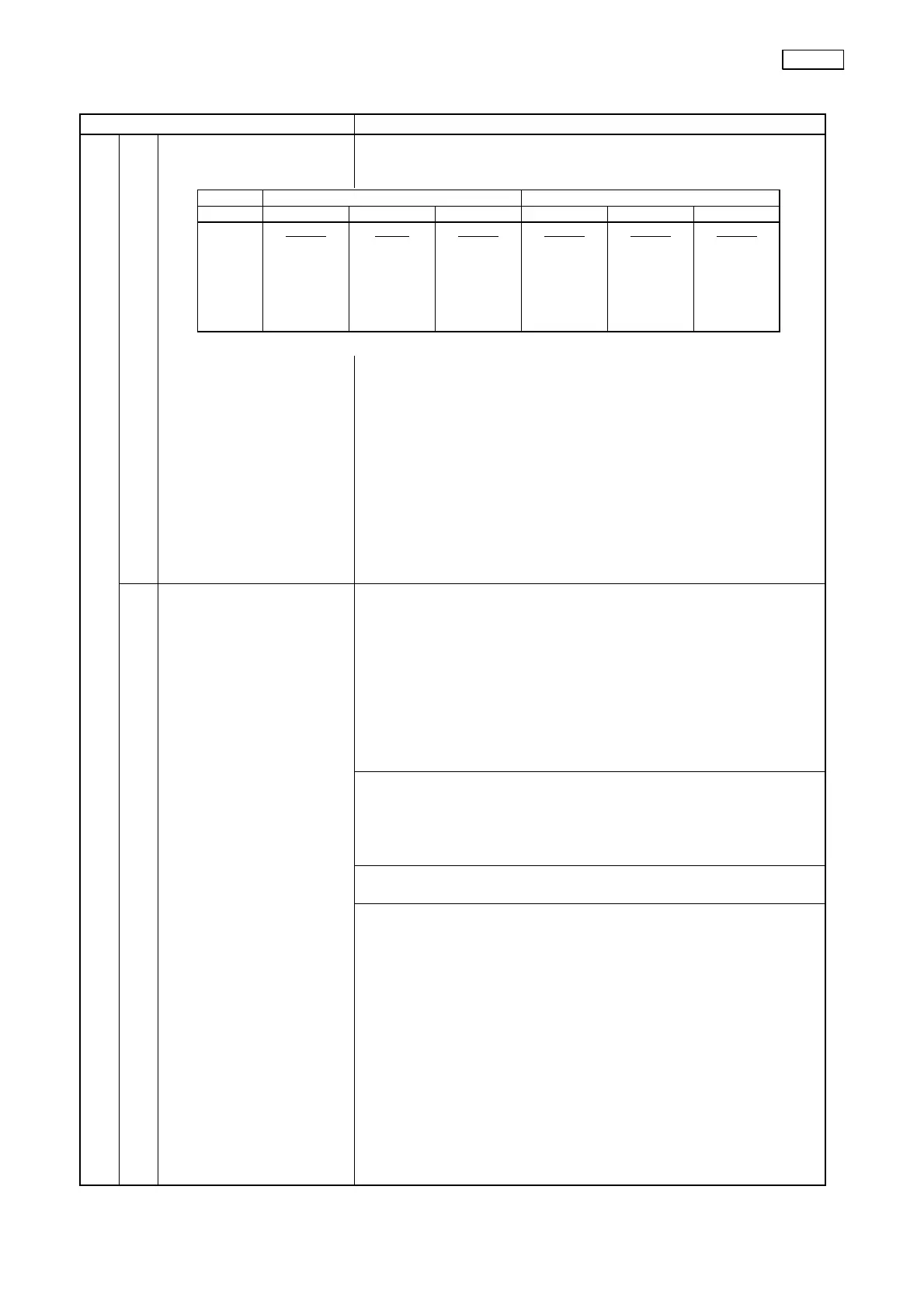
North America specification (NTSC) Europe specification (PAL)
CCD 3700,01,08 3704 37071 3700,01,08 3704 37071
Display
size
2 steps
Medium
↓
Full-height
1 step
Full-high
only
2 steps
Small
↓
Medium
3 steps
Medium
↓
Semi
full-height
↓
Full-height
2 steps
Semi
full-height
↓
Full-height
2 steps
Small
↓
Medium


 To Next Page