CMOS color camera OLYMPUS LC30
10
3 System environment
3.1 General remarks
To acquire images with best possible quality, the microscope has to be configured
correctly. The illumination for example must be set in a way to enable image
acquisitions with appropriate exposure times.
This camera installation manual does not contain explanations on how to setup the
microscope. Please refer to the microscope manual for this information. Additionally,
the online help of OLYMPUS Stream and cellSens contains detailed information on
image acquisition.
Using the OLYMPUS LC30 in special application contexts
Using the camera with non-Olympus microscopes
The OLYMPUS LC30 can be used in combination with many available micro-
scopes. However, its performance in combination with non-Olympus microscopes
has not been tested.
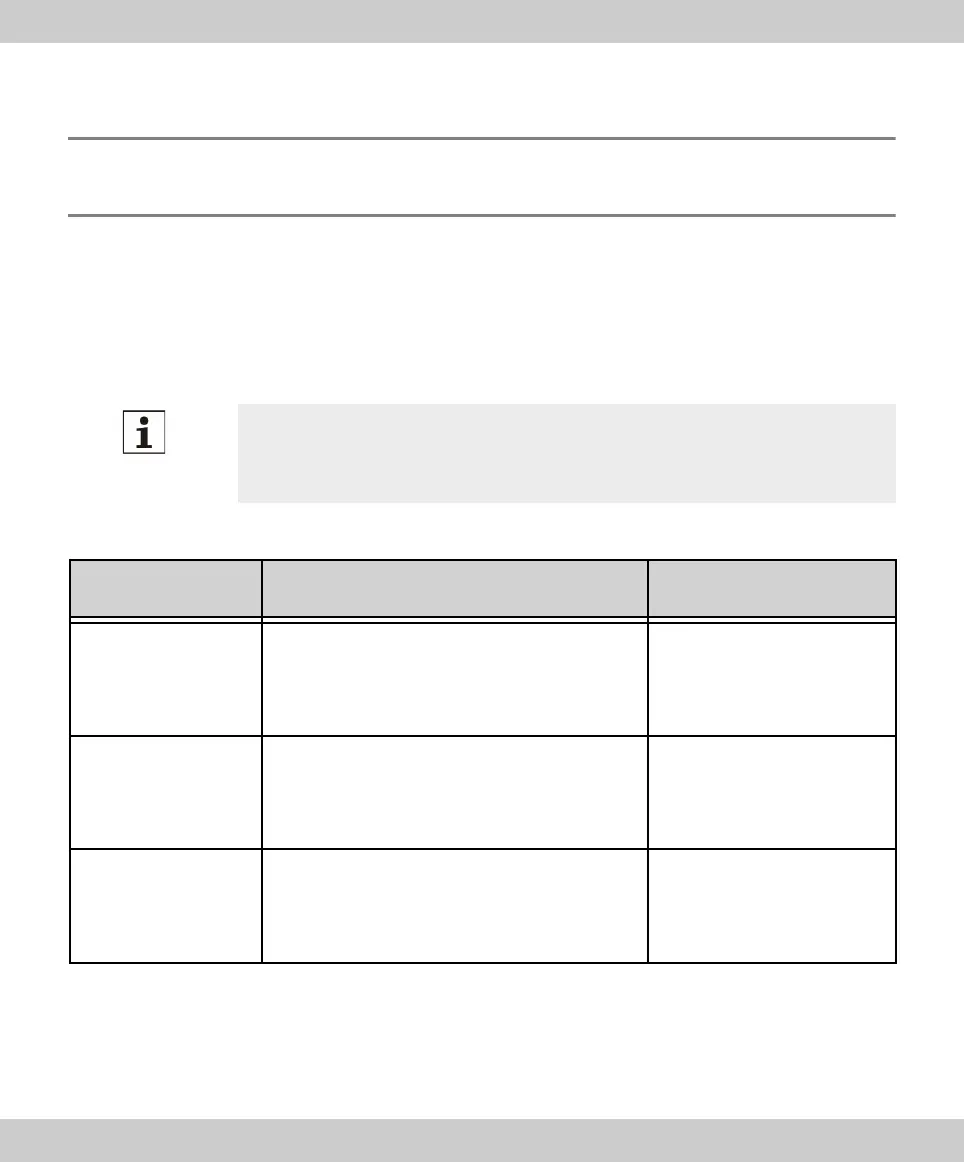
Application context Explanation Countermeasure
Using objectives with
low magnification
(< 10x)
Depending on the microscope configuration,
vignetting might occur in the image if objectives
with a magnification of less than 10x are used.
Switch on the shading
correction or use a camera
adapter with a higher
magnification.
Using objectives with
high magnification
(> 40x)
The maximum exposure time might not be suffi-
cient to acquire a correctly exposed image.
Increase illumination intensity
or use a camera adapter with
a lower magnification.
Darkfield and
fluorescence
microscopy
The OLYMPUS LC30 is not suitable for
darkfield or fluorescence microscopy due to its
limited exposure range.
No countermeasure
available.









 To Next Page