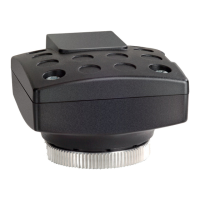
CMOS color camera OLYMPUS LC30
18
After connecting the camera to your PC, the camera driver is automatically
installed. As a rule, this installation only takes a few seconds. Please pay
attention to the icons displayed in the status bar.
5) Wait until the installation of the camera driver has been finished.
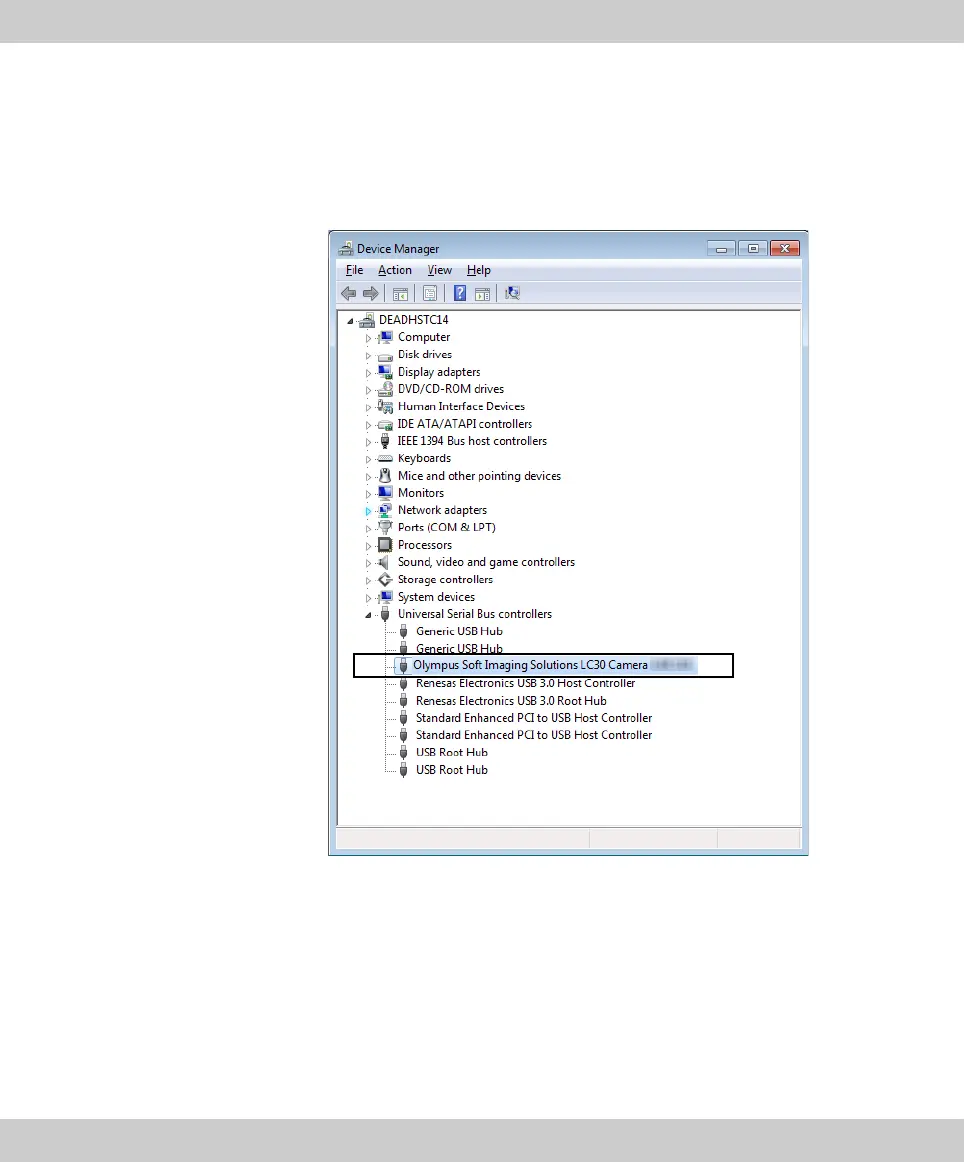
The camera has now been registered as a device and is ready for use. Now
the camera driver appears in the Device Manager.
6)
Start the software that has already been installed.









 To Next Page