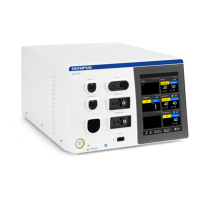
USG-400
Troubleshooting 8-4 ISSUE1
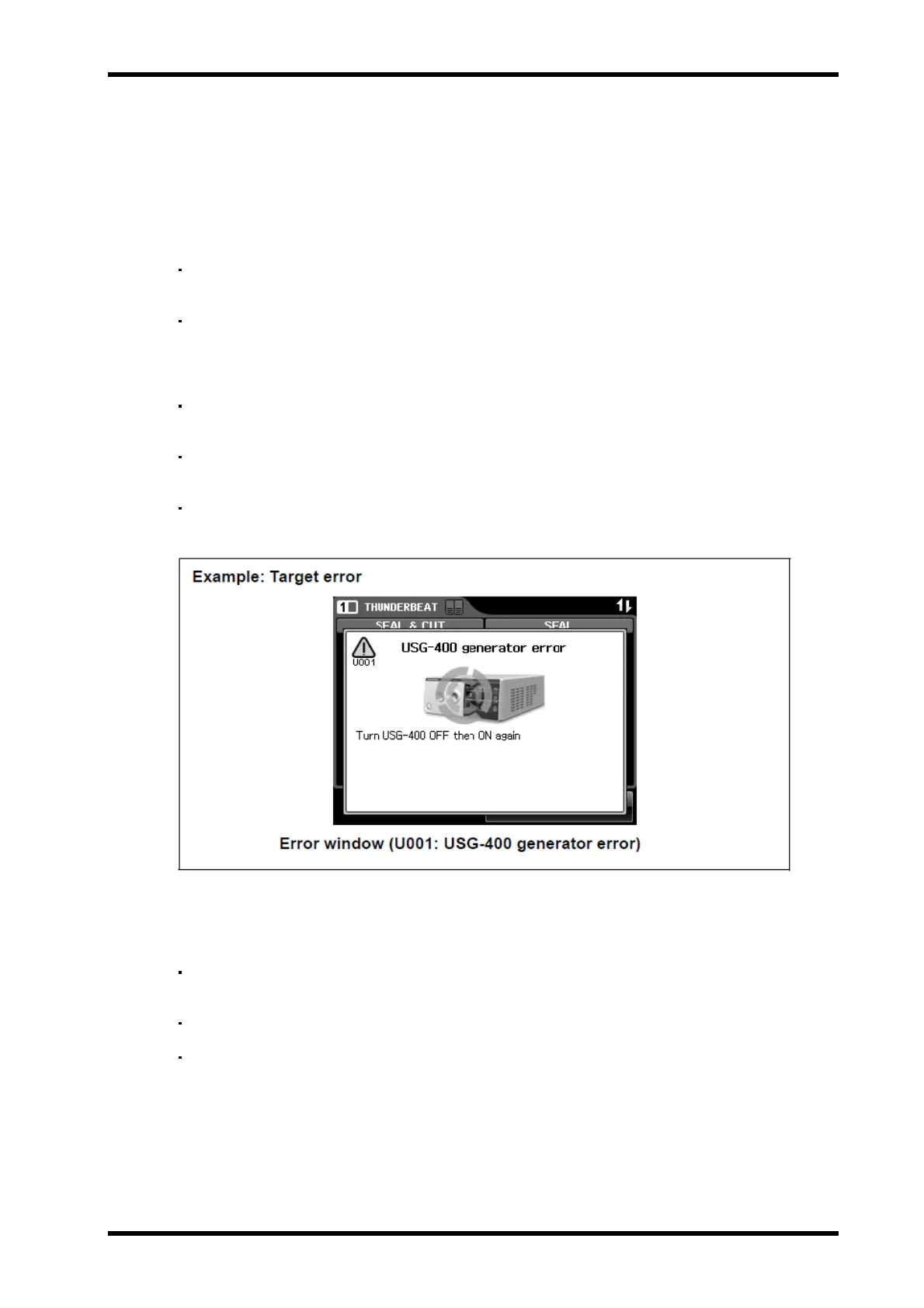
Pattern 1 Target error code: U001-U014
The error windows are displayed in one of the following five patterns.
Turn the ultrasonic generator OFF and ON again. If the error window is still
displayed, disconnect the power supply and contact Olympus.
Target error code: U006
Check if the THUNDERBEAT or SONICBEAT instrument and
transducer are connected firmly. If not, connect them firmly.
Turn the ultrasonic generator OFF and ON again. If the error window is
still displayed, disconnect the power supply and contact Olympus.
Target error code: U010-U014
The touch-screen, the handswitches, footswitch pedals, and push
buttons on the ultrasonic generator are disabled.
Perform the remedial actions in accordance with “What to do when an
error code is displayed”
If the error code is still displayed, disconnect the power supply and
contact Olympus (see Figure 8.2).
Figure 8.2
Pattern 2 Target error code: U501-U502,U507
The touch-screen, handswitches, footswitch pedals and push buttons
are disabled.
The “OK button” is illuminated when the error is cleared.
When the “OK button” is pressed, the error window disappears and the
display returns to the screen displayed before the error window was
generated (see Figure 8.3).


 To Next Page