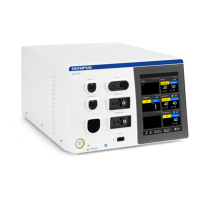
USG-400
Troubleshooting 8-16 ISSUE1
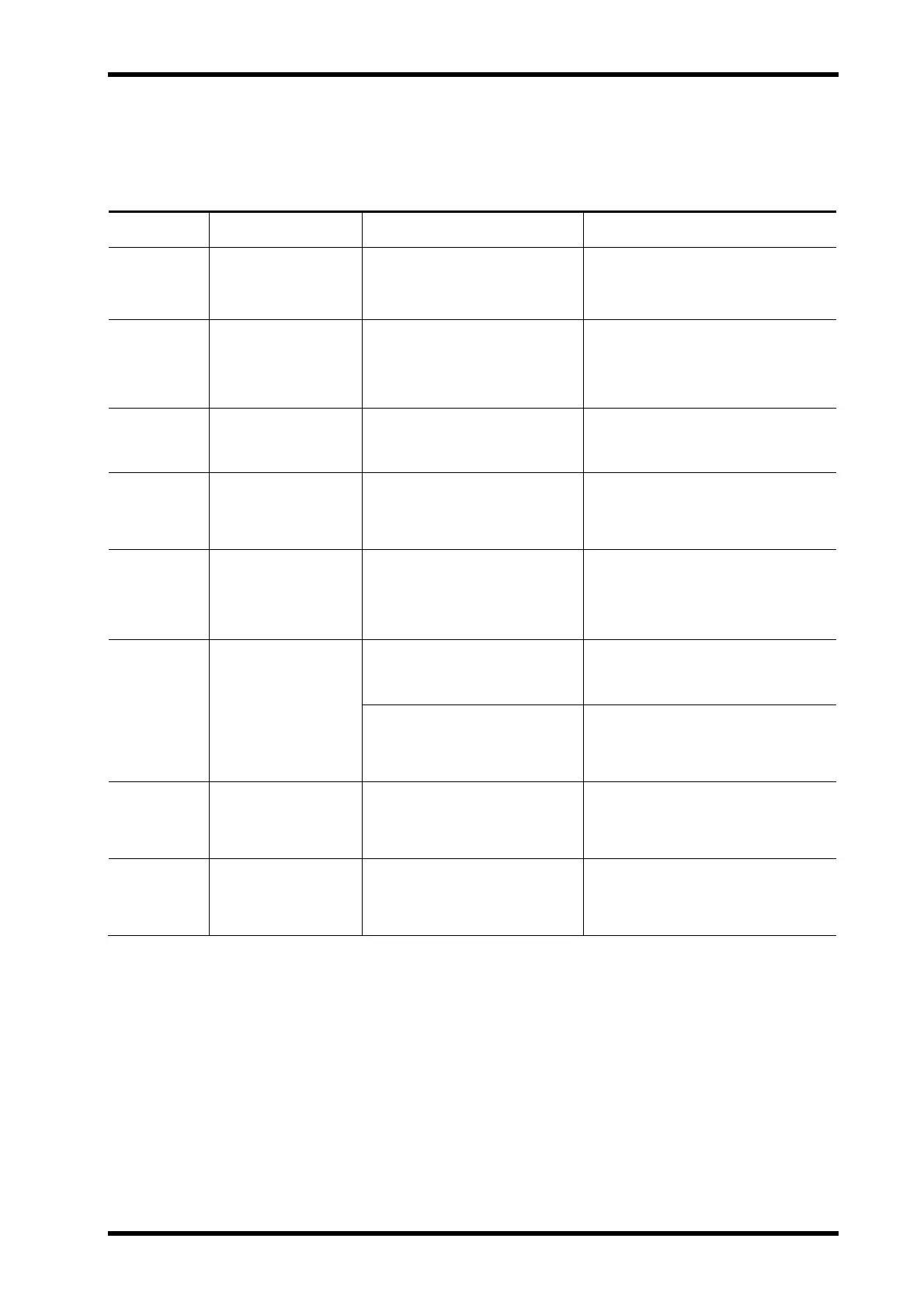
What to do when error code is displayed
Find the applicable error code from the following table and take the actions
indicated in “Remedial actions”.
Error Code
Irregularity
Description
Possible cause Remedial Actions
U001 USG-400
generator error
(Configuration
malfunction)
Ultrasonic generator malfunction
due to the fail of the internal
circuitry of the ultrasonic
generator.
Turn the ultrasonic generator OFF
and ON again. If the error window is
still displayed, contact Olympus.
U002 USG-400
generator error
(FPGA (software)
malfunction)
Same as the above. Same as the above.
U003 USG-400
generator error
(Output switch
circuit malfunction)
Same as the above. Same as the above.
U004 USG-400
generator error
(Error circuit
malfunction)
Same as the above. Same as the above.
U005 USG-400
generator error
(Handpiece
detection circuit
malfunction)
Same as the above. Same as the above.
Connection of the transducer
with THUNDERBEAT or
SONICBEAT instrument is loose.
1.Check if the THUNDERBEAT or
SONICBEAT instrument and
transducer are connected firmly. If
not, connect them firmly.
U006 USG-400
generator error
(Output detection
circuit malfunction)
Ultrasonic generator malfunction
due to the fail of the internal
circuitry of the ultrasonic
generator.
2.Turn the ultrasonic generator OFF
and ON again. If the error window is
still displayed, contact Olympus.
U007 USG-400
generator error
(Memory damage)
Ultrasonic generator malfunction
due to the fail of the internal
circuitry of the ultrasonic
generator.
Turn the ultrasonic generator OFF
and ON again. If the error window is
still displayed, contact Olympus.
U008 USG-400
generator error
(Touch-screen
malfunction)
Same as the above. Same as the above.


 To Next Page