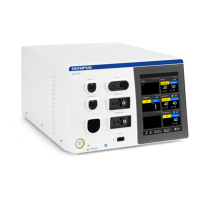
USG-400
Troubleshooting 8-18 ISSUE1
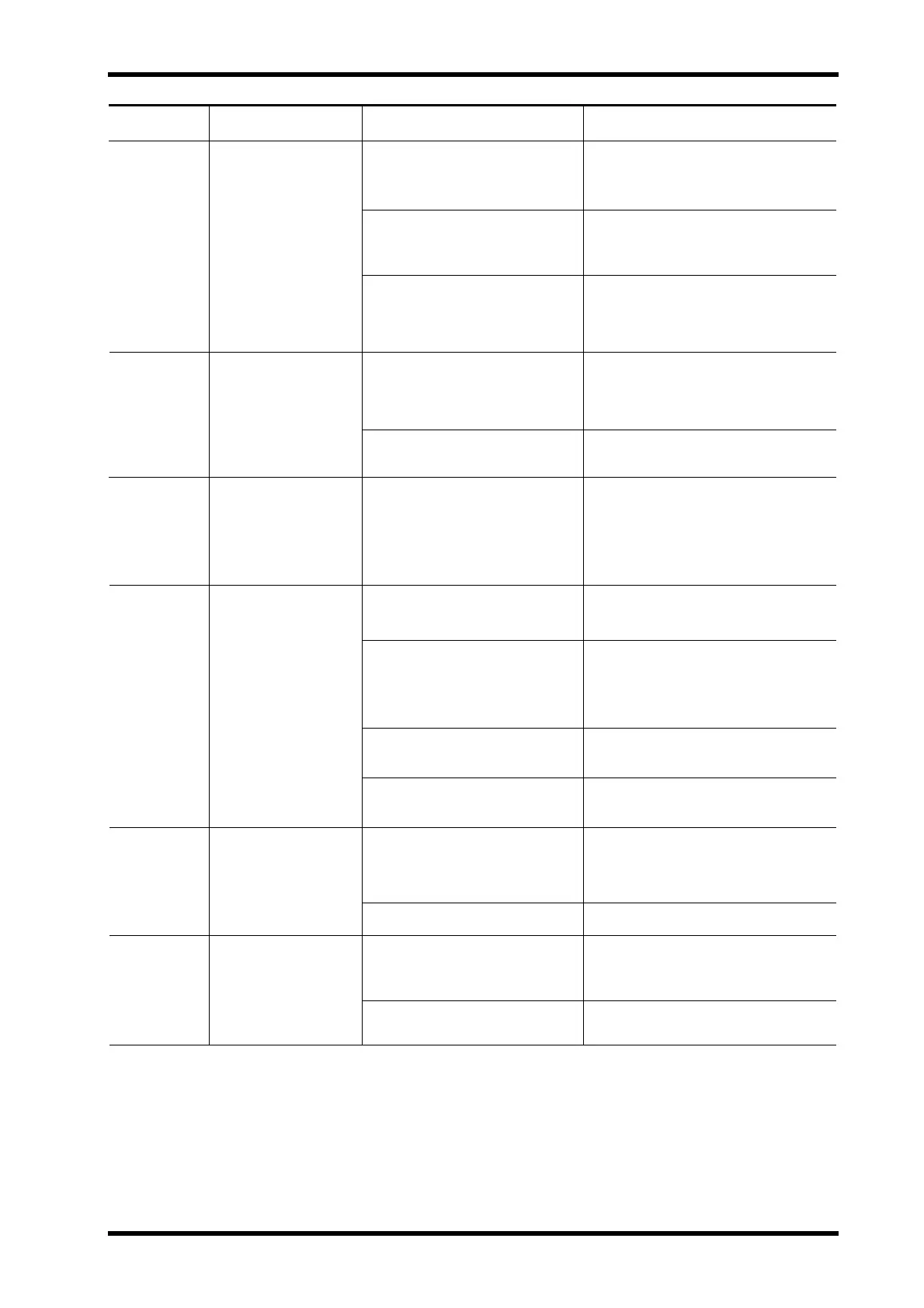
Error Code
Irregularity
Description
Possible cause Remedial Actions
Footswitch pedal was pressed
when the ultrasonic generator is
turned ON.
1. Turn the ultrasonic generator OFF
and ON again without pressing the
footswitch pedal.
Footswitch malfunction. 2. If the error window is still displayed,
replace the footswitch.
U502 Footswitch error
Ultrasonic generator malfunction. 3. If the error window is still displayed,
contact Olympus.
A unit with overlapped ID is
connected. Example: When two
compatible electrosurgical
generators are connected.
1. Confirm the system does not have
multiple same generators.
U503 System connection
error
System connection malfunction. 2. If the error window is still displayed,
contact Olympus.
U504 Probe damageerror
(which isdetected
during surgery)
Cracked probe. Replace THUNDERBEAT or
SONICBEAT without disconnecting
transducer plug. After replacement,
press the PROBE CHECK push
button to confirm that the new
instrument works normally.
Compatible electrosurgical
generator is not turned ON.
1. Confirm the compatible
electrosurgical generator is
switched ON. If not, turn it ON.
Communication cable to the
compatible electrosurgical
generator is not connected.
2. Confirm the communication cable
of rear panel to the compatible
electrosurgical generator is
connected properly. If not, connect
it properly.
Communication cable wire
disconnection.
3. Replace the communication cable.
U505 ESG communication
error
Ultrasonic generator malfunction. 4. Contact Olympus.
Compatible electrosurgical
generator is not connected.
1. Confirm the compatible
electrosurgical generator is properly
connected. If not, connect it
properly.
U506 ESG docking error
Ultrasonic generator malfunction. 2. Contact Olympus.
The software version of the
connected compatible
electrosurgical generator is not
supported.
Contact Olympus (Connected ESG
not supported by USG-400).
U507 Unsupported ESG
error


 To Next Page