1
7
EN
Setup
Setup
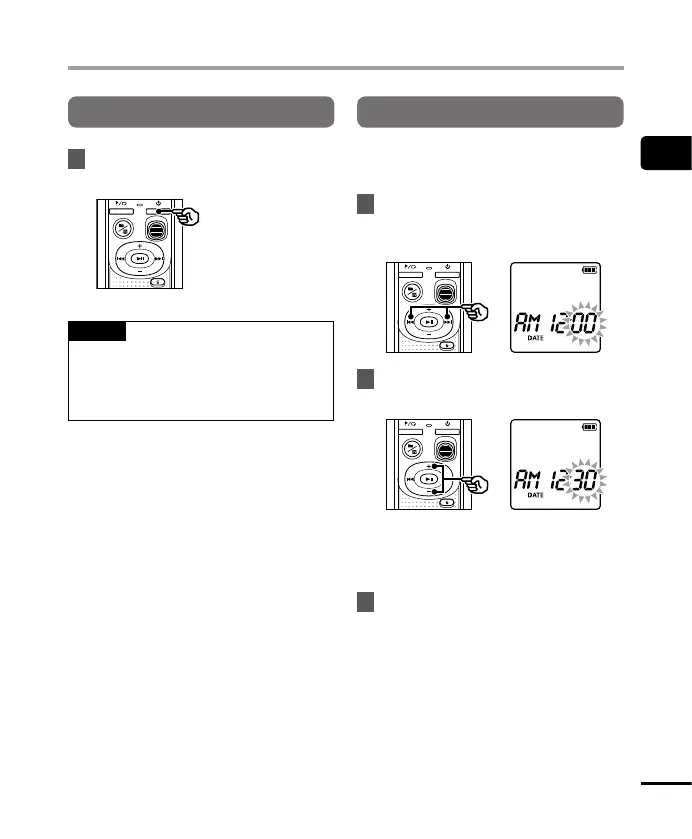
Turning the power ON
1
Whilethevoicerecorderisturned
off,pressandholdtheobutton.
TIP
• If you install batteries for the first time
or replaced with new ones, the [hour]
indicator will flash automatically when
the power is turned on.
Setting the time/date
Set the time and date beforehand to enable
easier management of recorded files.
1
Pressthe9(p)or0
buttontoselectthedesired
settingitem.
2
Pressthe
+
or
–
buttontochange
thenumber.
• To change the setting of another item,
press the 9 or 0 button to move
the blinking cursor, then press the + or
– button to change the number.
3
Pressthepbuttontofinalize
thesetting.



 To Next Page