EasyManua.ls Logo

OM SYSTEM OM-5 - Photo File and Image Size Options (KX); High Resolution Shooting Settings (High Res Shot); Varying settings over a series of photographs (Bracketing); Using the Video Menu

OM SYSTEM OM-5
15 pages
Print Icon
To Next Page IconTo Next Page
To Previous Page IconTo Previous Page
Loading...
OM-5 Quick Guide 7
200200
ISO
Auto
ISO
Auto
WB
Auto
WB
Auto
1
1
[
1
:
02
:
03
][
1
:
02
:
03
]
10231023
PP
100
%
100
%
0.00.0
00
+
-
1
/
250
1
/
F
250
5.65.6
F
60
F5.6
+1.7
0
+
-
M
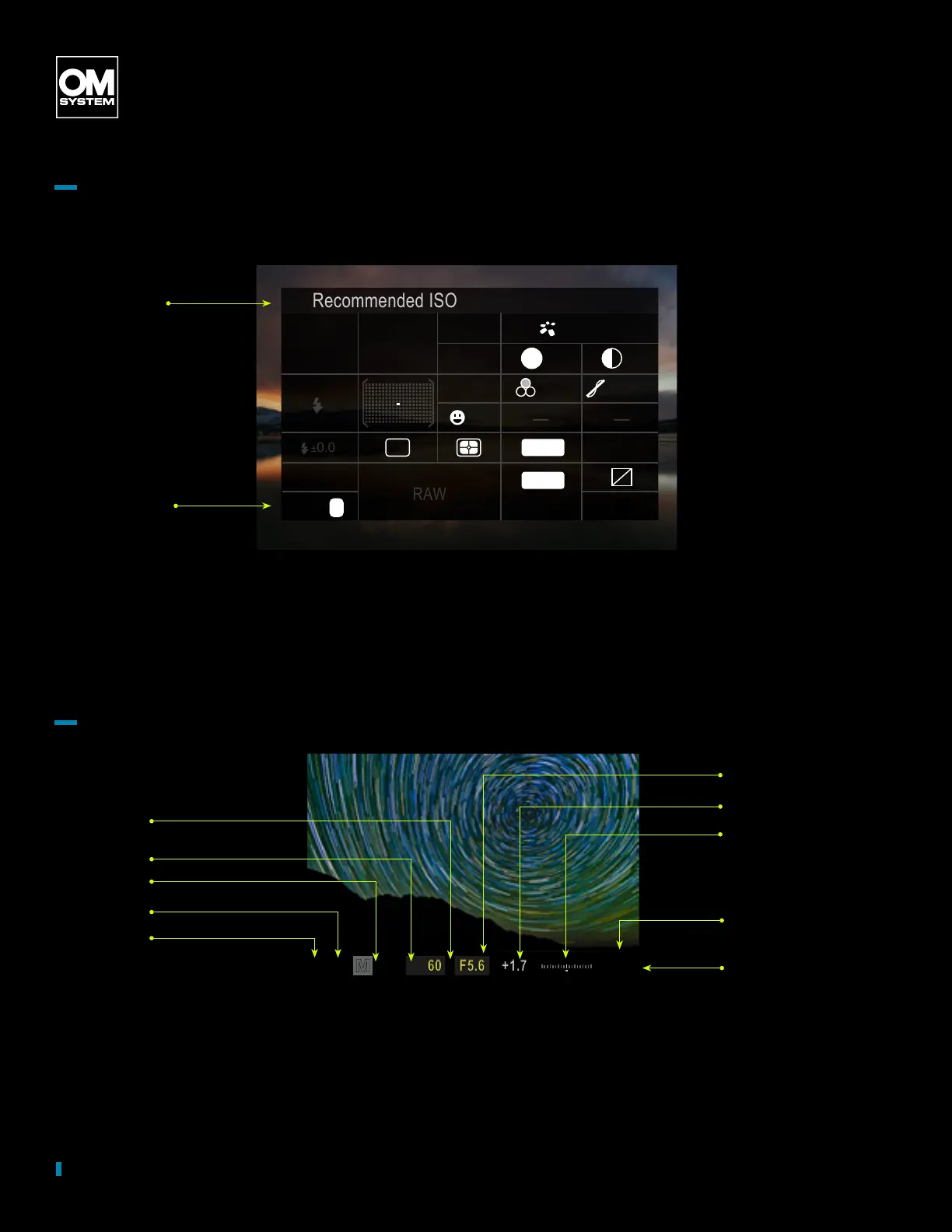
Interface
Super Control Panel Video
by OM SYSTEM Ambassador Matt Suess
Viewnder Interface Navigation
Recommended ISO
Auto
n
n
30p
sRGB
Natural
Normal
G
±0
S-AF
±0
±0
±0
A
±0
ISO
Auto
WB
Off
3
M-IS 1
S-IS Auto
RAW
S
4:3
4K
by OM SYSTEM Ambassador Chris Eyer-Walker
n mode
Movie image
stabilizer
p
YF
1023 1:02:03
±
S-IS Auto
±
0.3
Natural
0.0
5.6250P
Small
S-AF
4 : 3
1/
Auto
ISO
YF
60p L
-
8
Off
#
x
G
3
0
+
-
200
5400K
CWB
0
Battery level
Shooting mode
Shutter speed
Aperture value
Exposure
compensation
Exposure
compensation value
ISO sensitivity
White balance
Available recording time
Number of storable
still pictures

Other manuals for OM SYSTEM OM-5

Related product manuals