OM-5 Quick Guide 8
Modes
PASM
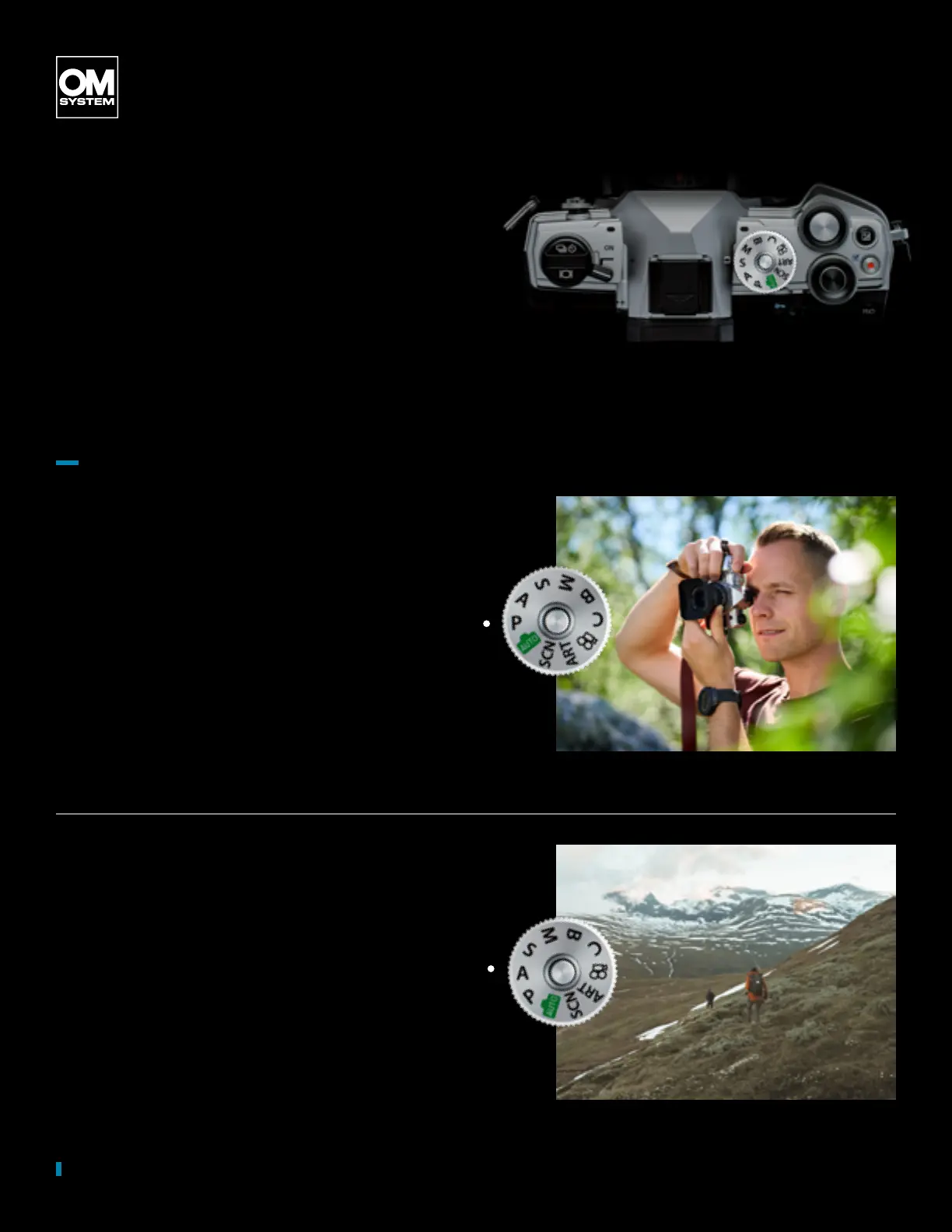
The mode dial is the main control of
your camera and denes in which
shooting mode you are working. Here
you can decide how your camera
should work and support your
shooting style. Decide whether you
would like to work in fully automatic
mode or completely manual.
P Mode
Use the P mode when you would like
to let the camera decide on aperture
and exposure time. However, you
have always the option to overrule
the settings.
by OM SYSTEM Ambassador Patrick Scholz
A Mode
Use A mode when you would like to
control the aperture and the depth of
eld in the image. You don’t have to
worry about the shutter speed as the
camera is choosing the one tting to
your aperture.
by OM SYSTEM Ambassador Daniel Villadsen



 To Next Page
 Loading...



