14
Controller Instructions
Accessing the conguration parameter (type F)
1. Holdthe“”buttonformorethan5s(ifthereareactivealarms,rstmutethebuzzer),thedisplaywill
showtherstmodiable“F”parameter.
Modifying the parameters
Afterhavingdisplayedtheparameter,eithertype“C”ortype“F”,proceedasfollows:
1. Usethe“”or“”buttonstoscrolltheparameters,untilreachingtheparametertobemodied;when
scrollingtheparameters,aniconisshownonthedisplaythatrepresentsthecategoryoftheparameter.
2. Alternatively,pressthe“”buttontodisplayamenuthatcanbeusedtoquicklyaccessthefamilyof
parameterstobemodied.
3. Scrollingthemenuusingthe“”and“”buttonsdisplaysthecodesofthevariouscategoriesof
parameter,accompaniedbythecorrespondingicononthedisplay(ifpresent).
4. Oncehavingreachedthedesiredcategory,press“Set”togodirectlytotherstparameterinthechosen
category(ifnoparameterisvisible,pressingthe“Set”buttonwillhavenoeffect).
5. Atthisstage,modifytheparametersorreturntothe“Category”menu,usingthe“”button.
6. Press“Set”todisplaythevalueassociatedwiththeparameter.
7. Increaseordecreasethevalueusingthe“”or“”buttonsrespectively.
8. Press“Set”totemporarilysavethenewvalueandreturntothedisplayoftheparameter.
9. Repeattheoperationfrompoint1orpoint2.
10.Iftheparameterhassub-parameters,press“Set”todisplaytherstsub-parameter.
11.Pressthe“”or“”buttontodisplayallthesub-parameters.
12.Press“Set”todisplaytheassociatedvalue.
13.Increaseordecreasethevalueusingthe“”or“”buttonrespectively.
14.Press“Set”totemporarilysavethenewvalueandreturntothedisplayofthesub-parametercode.
15.Press“”toreturntothedisplayoftheparentparameter.
Saving the new values assigned to the parameters
Todenitelysavethenewvaluesofthemodiedparameters,pressthe“”buttonformorethan5seconds,
thusexitingtheparametersettingprocedure.Allthemodicationmadetotheparameterstemporarilysavedin
theRAM,canbecancelledand“normaloperation”resumedbynotpressinganybuttonfor60seconds,thus
allowingtheparametersettingsessiontoexpireduetotimeoutiftheInstrumentisswitchedoffbeforepressing
the“”button,allthemodicationsmadetotheparametersandtemporarilysavedwillbelost.
Mechanical Controller Instructions
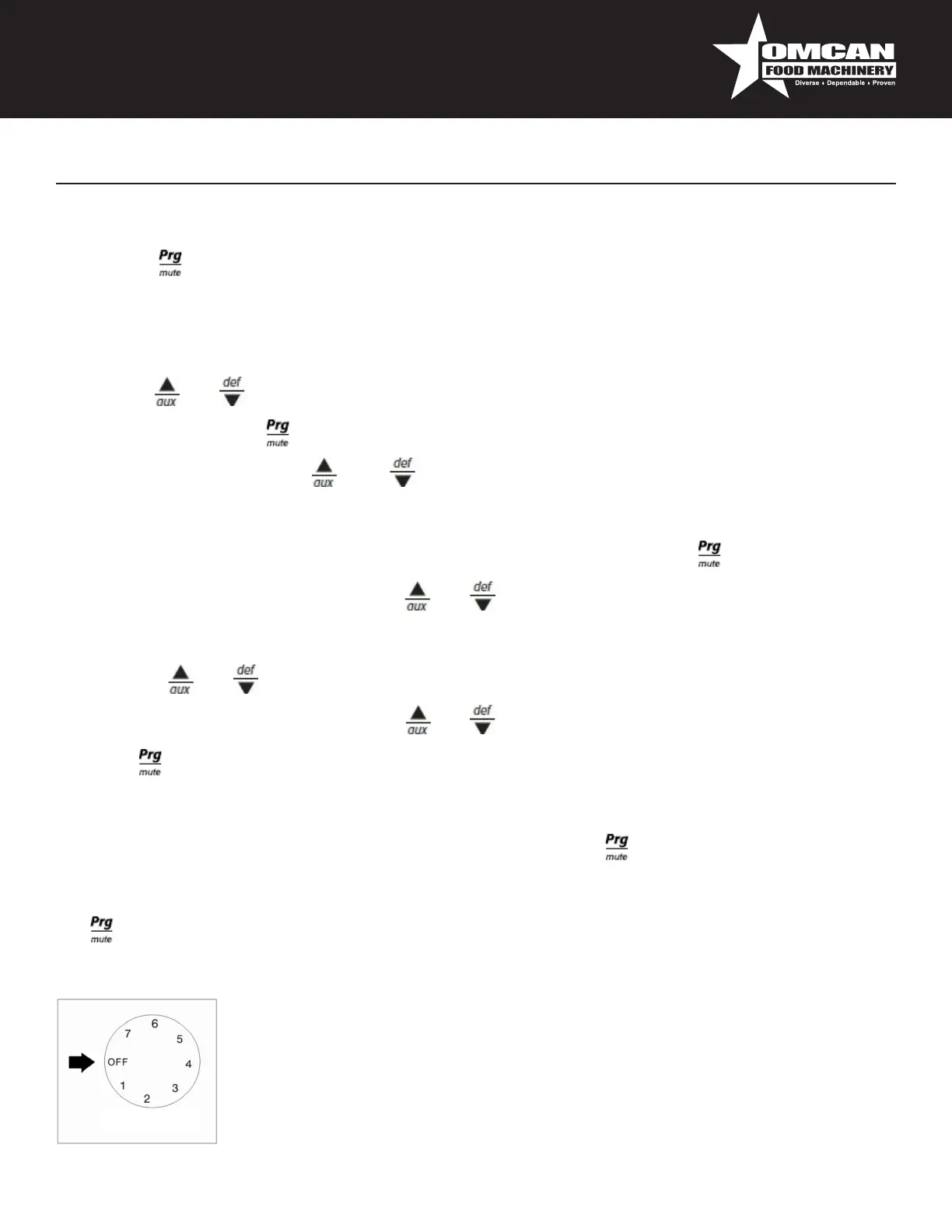
OFF:shutthecompressoroff
Temperaturerangefrom7(coldest)to1(warmest).
CAUTION:Settingthetemperaturecontroltothecoldestsettingmaycausethe
evaporatorcoiltofreezeandiceup.Thiswilleventuallyresultinawarmercabinet
temperature.



 To Next Page