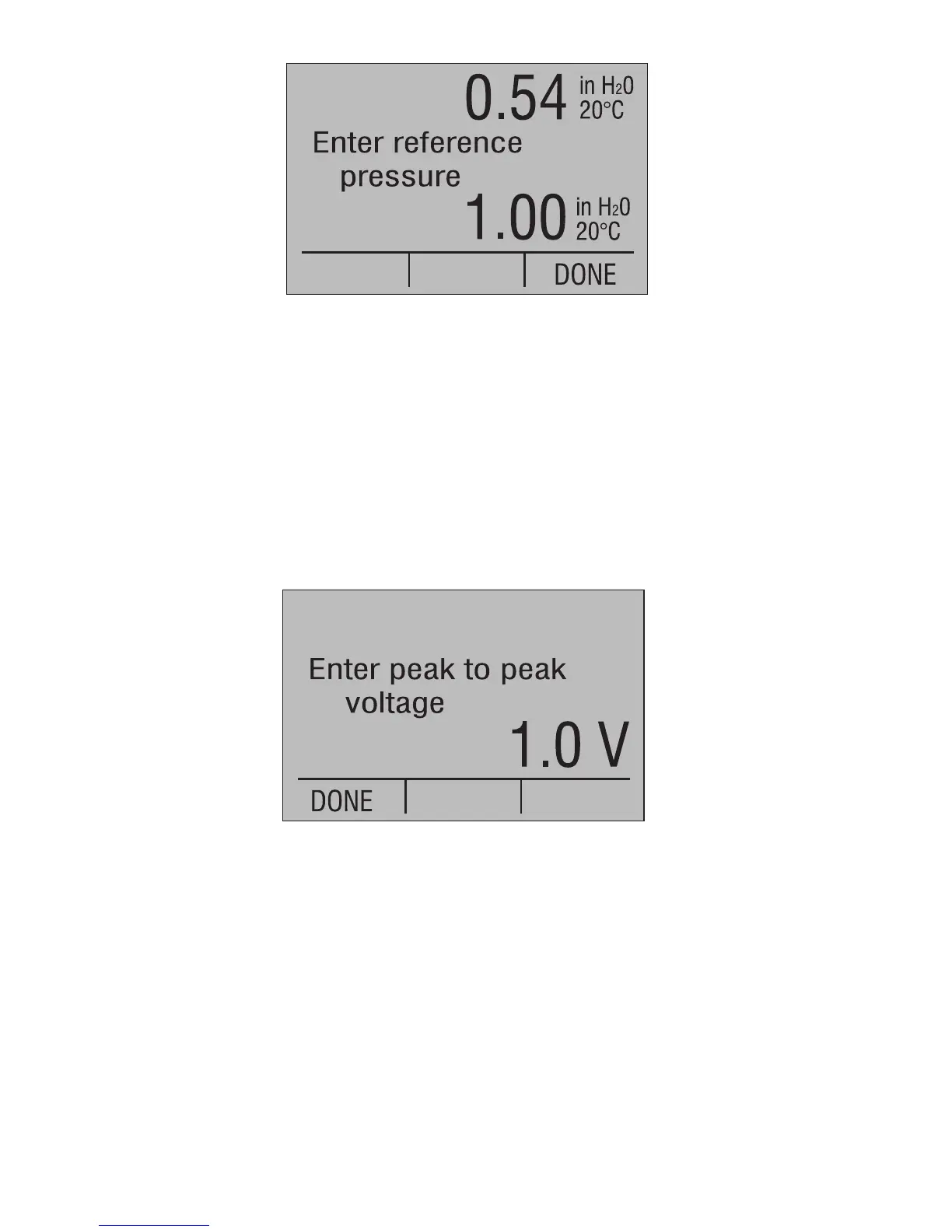
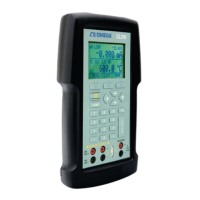
The value displayed on the top line is the current pressure reading
adjusted with the current reference pressure. Enter the new reference
pressure using the numeric keys followed by the ENTER key, or if
satisfied with the current reference value press the DONE function
key to bypass changing it. When satisfied with the pressure
reference, press the DONE function key to continue.
Optional Setup - Frequency Output on Lower Display
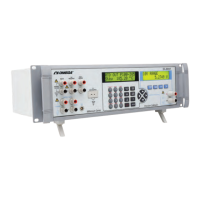
If frequency output is selected on the lower display, a prompt for
peak to peak voltage is displayed.
Enter the new peak to peak voltage using the numeric keys followed
by the ENTER key, or if satisfied with the current voltage press the
DONE function key to bypass changing it. When satisfied with the
voltage value, press the DONE function key to continue.
Optional Setup - Pulse Train Output on Lower Display
If pulse train output is selected on the lower display, a prompt for
peak to peak voltage is displayed, followed by a prompt for a fixed
frequency or a fixed number of pulse counts. The peak to peak
voltage prompt is as follows.
66


 To Next Page