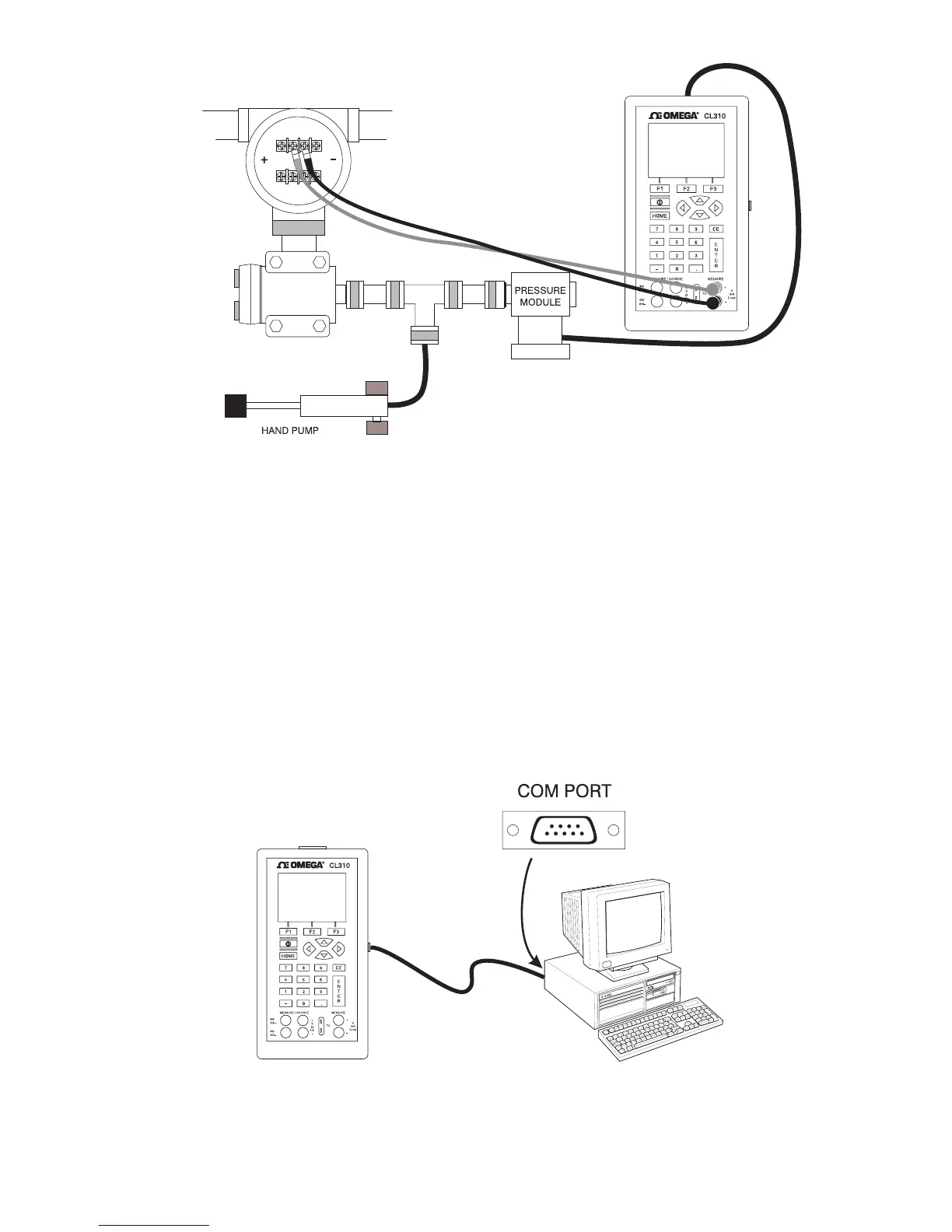
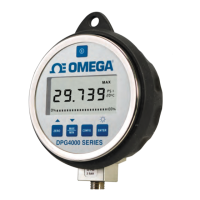
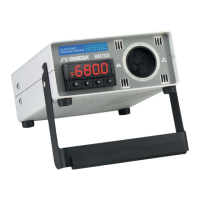
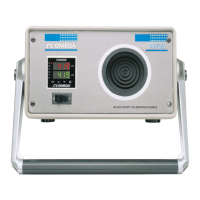
Figure 22. Calibrating a Pressure Transmitter
7. Remote Operation
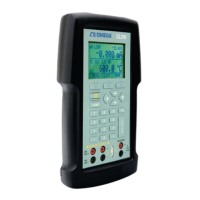
The calibrator can be remotely controlled using a PC terminal, or by
a computer program running the calibrator in an automated system.
It uses an RS-232 serial port connection for remote operation. With
this connection the user can write programs on the PC, with
Windows languages like Visual Basic to operate the calibrator, or use
a Windows terminal, such as Hyper Terminal, to enter single
commands. Typical RS-232 remote configurations are shown in
Figure 23.
Figure 23. Calibrator-to-Computer Connection
29


 To Next Page