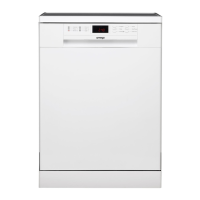
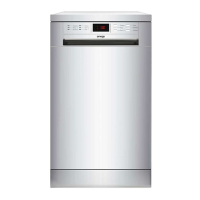
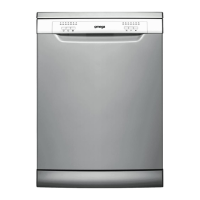
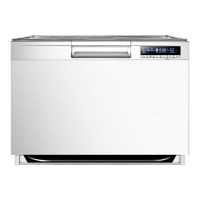
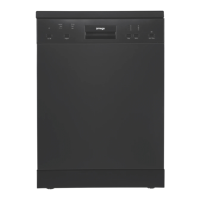
Dishwasher Features
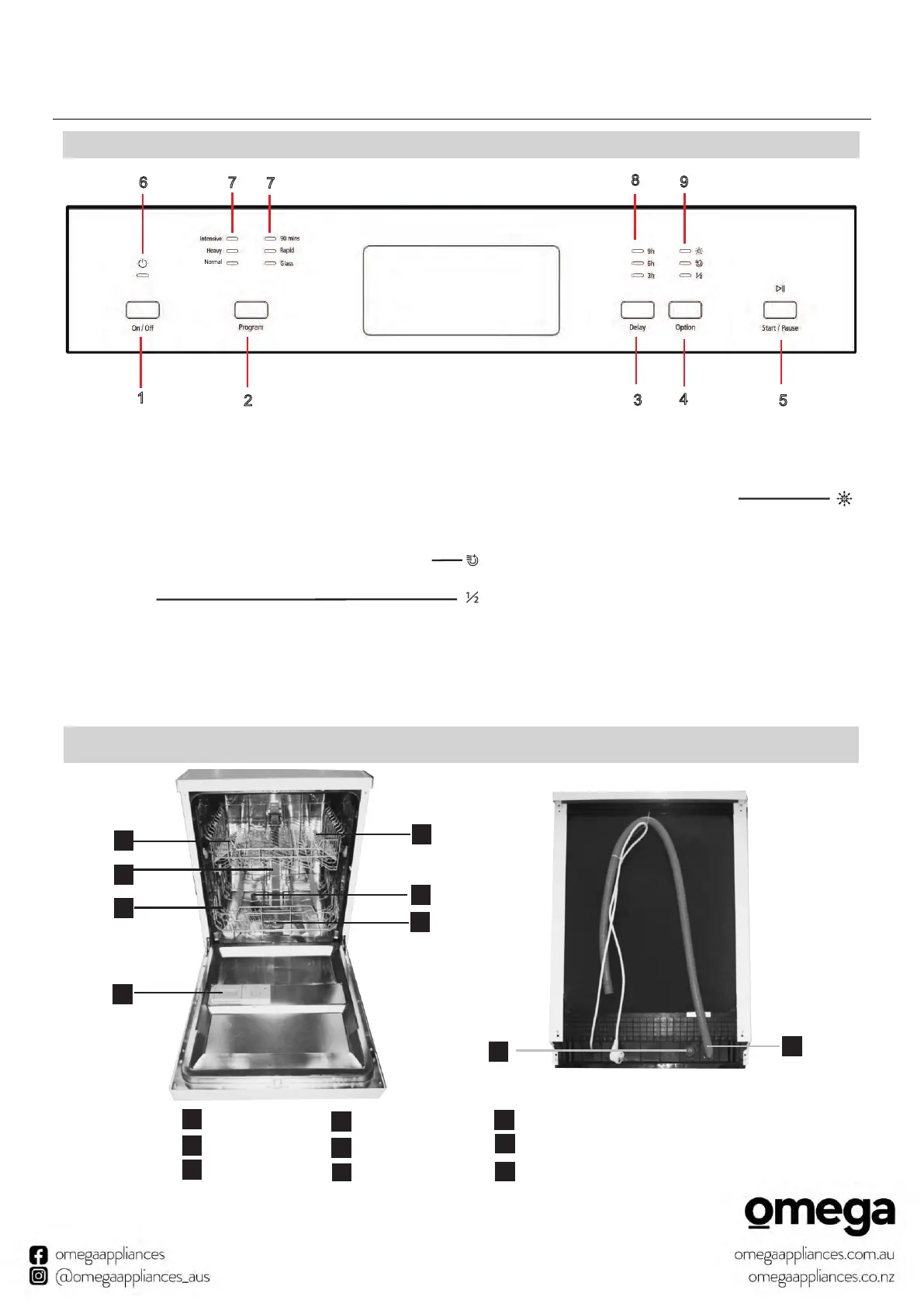
Control Panel
9
Back View
1
2
3
4
5
6
7
8
Front view
Dispenser
Cup Shelf
Spray arms
Filter assembly
Inlet pipe connector
Drain pipe
Lower Basket
Inner pipe
Upper Basket
1
5
6
7
8
9
3
2
4
1.On/Off Button
2.Program Button;
3.Delay Button;
4.Function Button: Press the button to select
the Extra function-- Extra drying function/ Half load
function;
5.Start/Pause Button: To start the selected washing
program
or pause the washing program when the machine
is working;
7.Program indicators;
8.Delay indicators;
9.Rinse Aid light and Function indicators.
Extra Drying to improve the drying efficiency.
Rinse detergent need to be refilled
Half load to save energy and water when put half of
cutlery.
Operation Installation
9
1
2
4
5
3
6 7
9
8
7


 To Next Page