© 2011 Omnicell, Inc. 1-, 2-, 3-Cell Color Touch Installation and Service Guide/67-2014 Rev G
G4 PC Box Service 13-5
Install the E-Box onto the Console
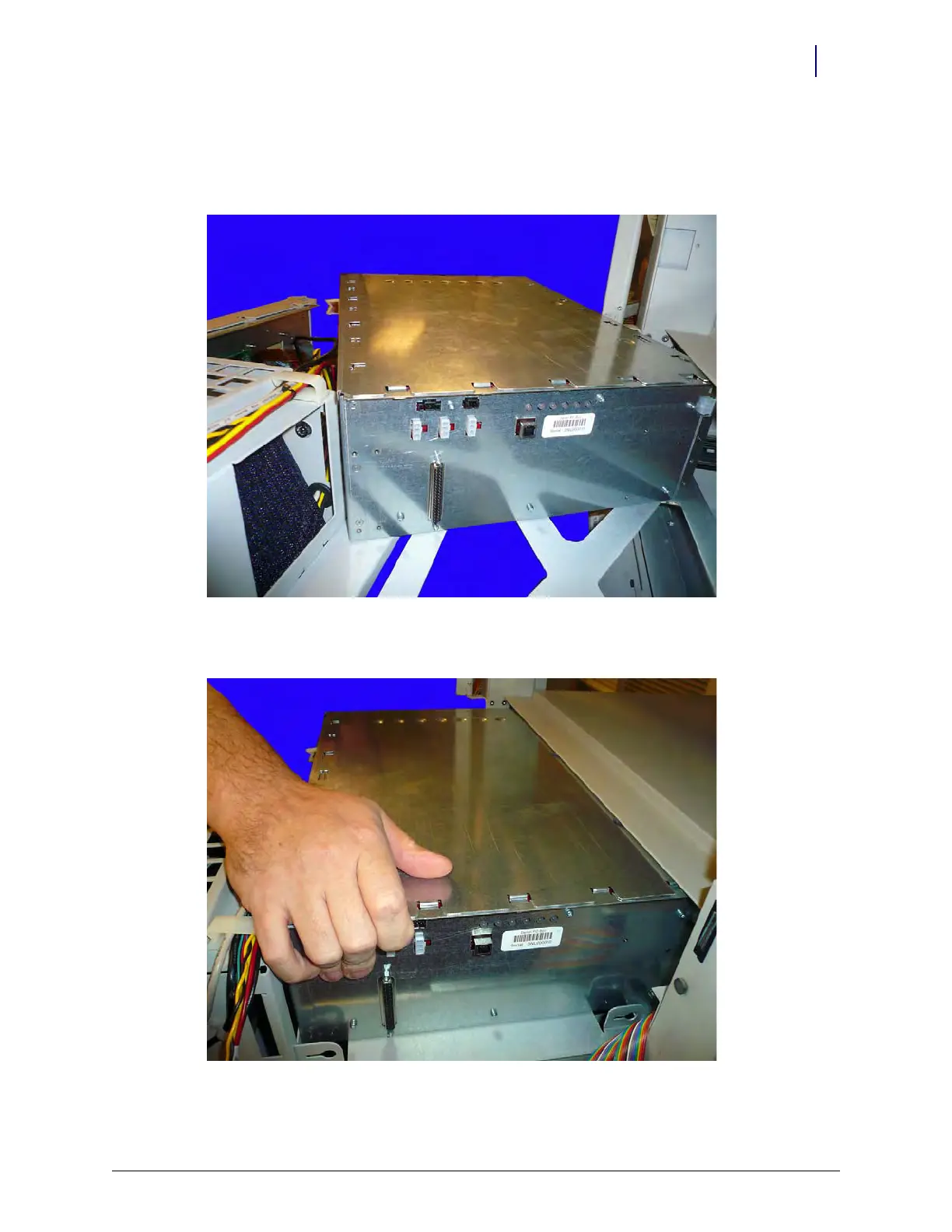
1. Pull the console as far out as it goes on the rails and slide the E-Box in at an angle from the left
side to install it on the console frame.
Figure 13-8.
2. Straighten out the E-Box and slide it into place on the CT PC console frame.
Figure 13-9.



 To Next Page