© 2011 Omnicell, Inc. 1-, 2-, 3-Cell Color Touch Installation and Service Guide/67-2014 Rev G
G4 PC Box Service 13-9
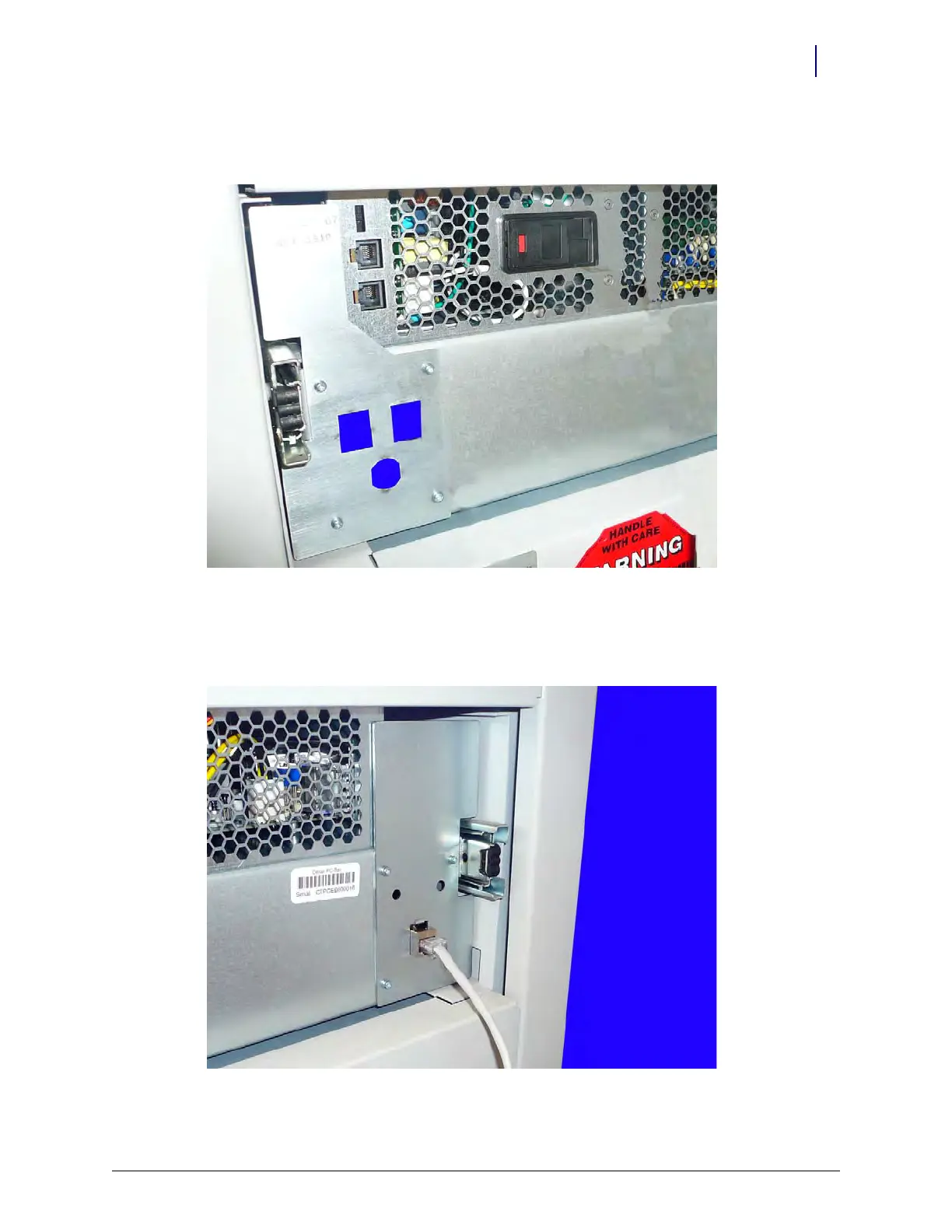
2. Place the plate on the left rear of the console and secure it using the screws provided. Use a
Torx T-10 driver.
Figure 13-15.
3. If the security plate on the right rear of the console is not attached, place the plate onto the
console and secure it with the screws provided. Use a Torx T-10 driver. Attach the network
cable .
Figure 13-16.



 To Next Page