13-28 G4 PC Box Service
Remove and Replace the Keyboard and Printer Panel
1-, 2-, 3-Cell Color Touch Installation and Service Guide/67-2014 Rev G © 2011 Omnicell, Inc.
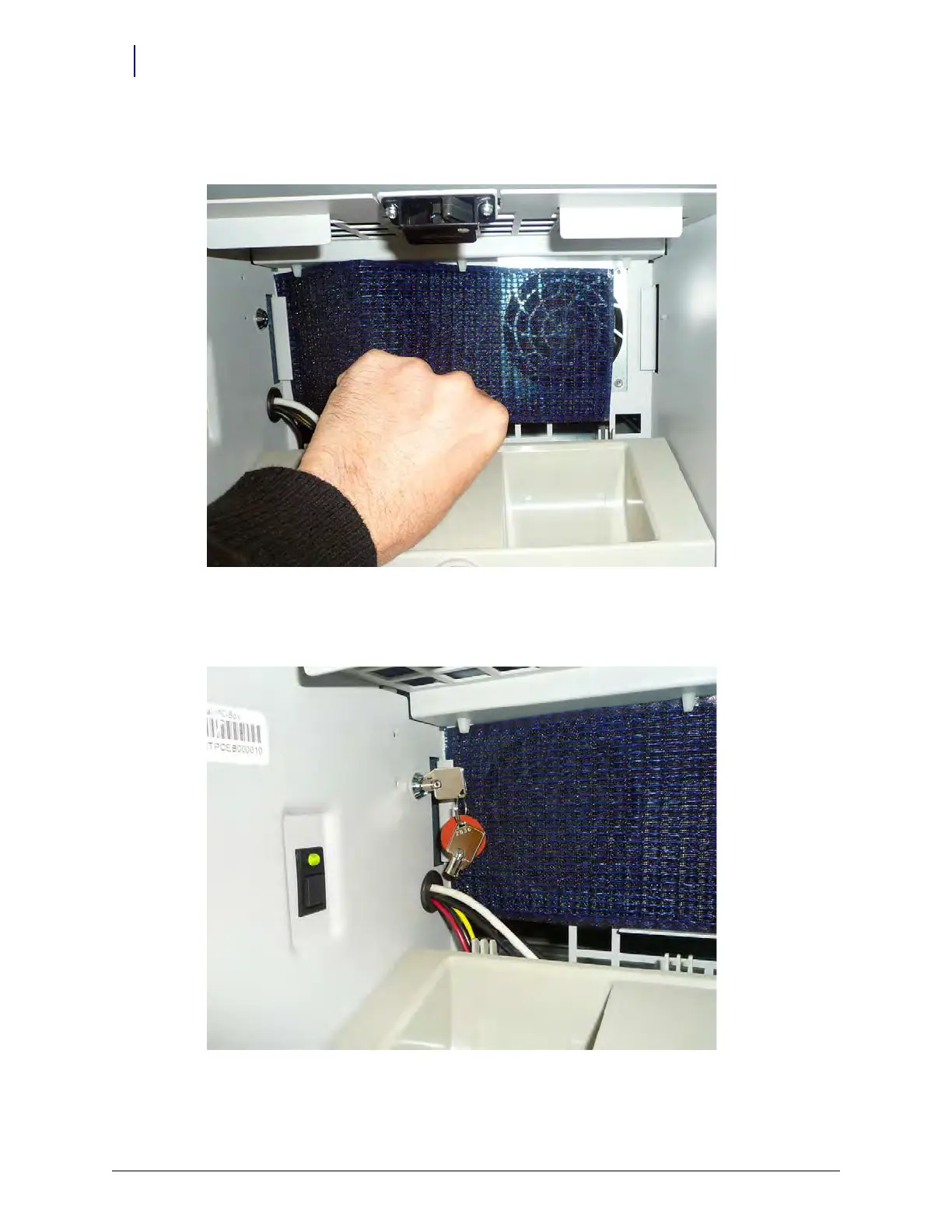
2. Open the keyboard tray. If the filter is not in place, add the filter to the keyboard tray. Slide the
filter behind the filter holders.
Figure 13-51.
3. Lock the CT PC console into place using the key provided. Turn the key vertical to lock the E-
Box into place.
Figure 13-52.
4. Power on the unit.



 To Next Page