Need help?
Do you have a question about the omnicharge Omni Ultimate and is the answer not in the manual?
Guide on how to calibrate the battery for accurate readings.
Explains primary controls like powering on and screen display.
Details how to navigate and select options within the device menu.
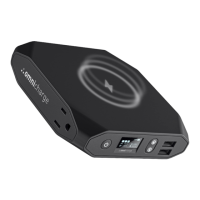
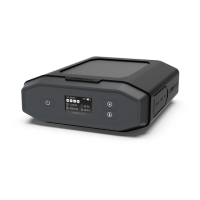
Describes the OLED screen and its displayed metrics.
Explains icons for various device protections and error states.
Guide to setting voltage and amperage for DC output.
Instructions on how to turn the AC outlet on/off and its icon.
Covers specifications, laptop charging, and critical voltage warnings.
 General
| Shape | Rectangle |
|---|---|
| Certification | FCC, ROHS, MSDS, UN38.3, CE, CEC, IC, FCC |
| Product color | Black |
| Charger compatibility | Universal |
| Power bank & device charging at once | Yes |
| Number of simultaneously connected devices (max) | - |
| Charging source | AC, DC |
| Battery capacity | 38400 mAh |
| Input interface | USB Type-A |
| USB Type-A output ports | 2 |
| USB Type-C ports quantity | 1 |
 Weight and Dimensions
| Depth | 145 mm |
|---|---|
| Width | 167.5 mm |
| Height | 54 mm |
| Weight | 1400 g |

 To Next Page