2
WELCOME
PODDER
™
!
This guide provides you with
step-by-step instructions for
getting started with your new
Omnipod DASH
™
System.
+ If you are new to the Omnipod
DASH
™
System, this guide will be
helpful during your live-training with
your Certified Pod Trainer.
+ If you are a current user of the Omnipod
®
System, use the Omnipod DASH
™
System User Guide, Quick Start Guide
and online training module to get started.
You can view the Omnipod DASH
™
System online training module in your
PodderCentral
™
account.
BEFORE YOU DASH
™
ON …
Please ensure you thoroughly review your Omnipod DASH
™
System User Guide before
you attempt to start your device.
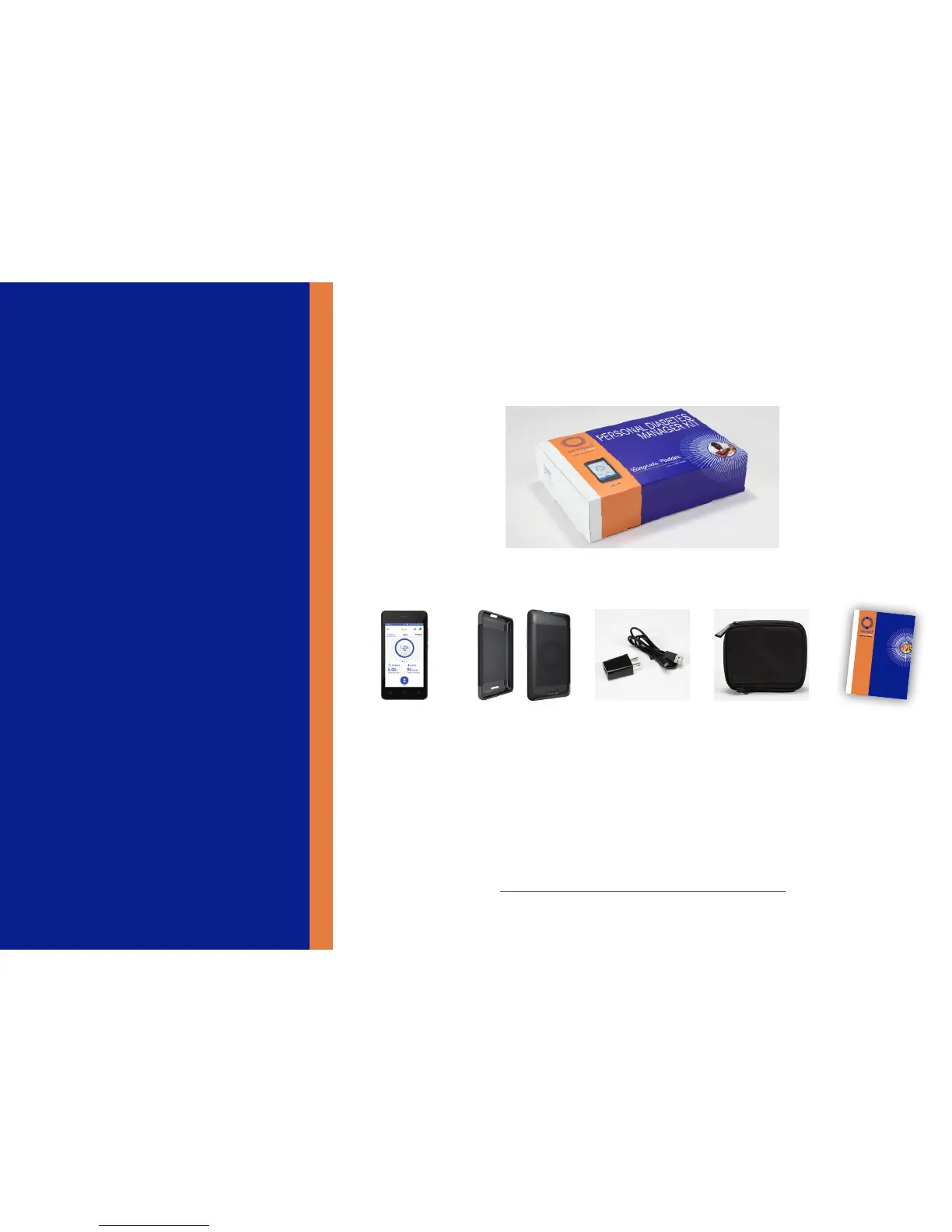
Personal Diabetes Manager (PDM) Kit
+ Take an inventory of your Personal
Diabetes Manager (PDM) Kit
+ Register your Omnipod DASH™ System at
PodderCentral™
If you have any questions about setting up your new
Personal Diabetes Manager please contact Customer Care at
800-591-3455 (outside US 978-600-7850) for support 24 hours
a day, 7 days a week.
If you have any questions about your individual pump therapy
settings, please contact your healthcare provider.
PDM + Battery Black
PDM Skin
Carry Case User Guide
© 2018 Insulet Corporation. Omnipod, the Omnipod logo, Podder, DASH, and the
DASH logo, are trademarks or registered trademarks of Insulet Corporation. All rights reserved.
Reference #: PDM-USA1-D001-MG-USA1
18296-ENG-AW Rev. B 06/18


 To Next Page
 Loading...



