4
CURRENT
USER? START
HERE!
+ To set up your new Omnipod DASH
™
System Personal Diabetes Manager, you
need settings from either your current
Personal Diabetes Manager (model
UST400) or pump therapy settings
provided by your healthcare provider.
+ If you currently use the previous
generation Personal Diabetes Manager
(model UST400), the instructions to
the right will help you find your current
settings.
NEW USER?
SKIP THIS
SECTION
Your Certified Pod Trainer will work with
your healthcare provider to obtain your
pump therapy settings.
For your safety, please do not attempt to
create your own Omnipod DASH
™
System
Personal Diabetes Manager settings.
3:00p 5/15
Bolus
More actions
Temp basal
My records
Settings
Suspend
Status Select
3:00p 5/15
Basal Programs
Presets
System setup
Vibration
Back Select
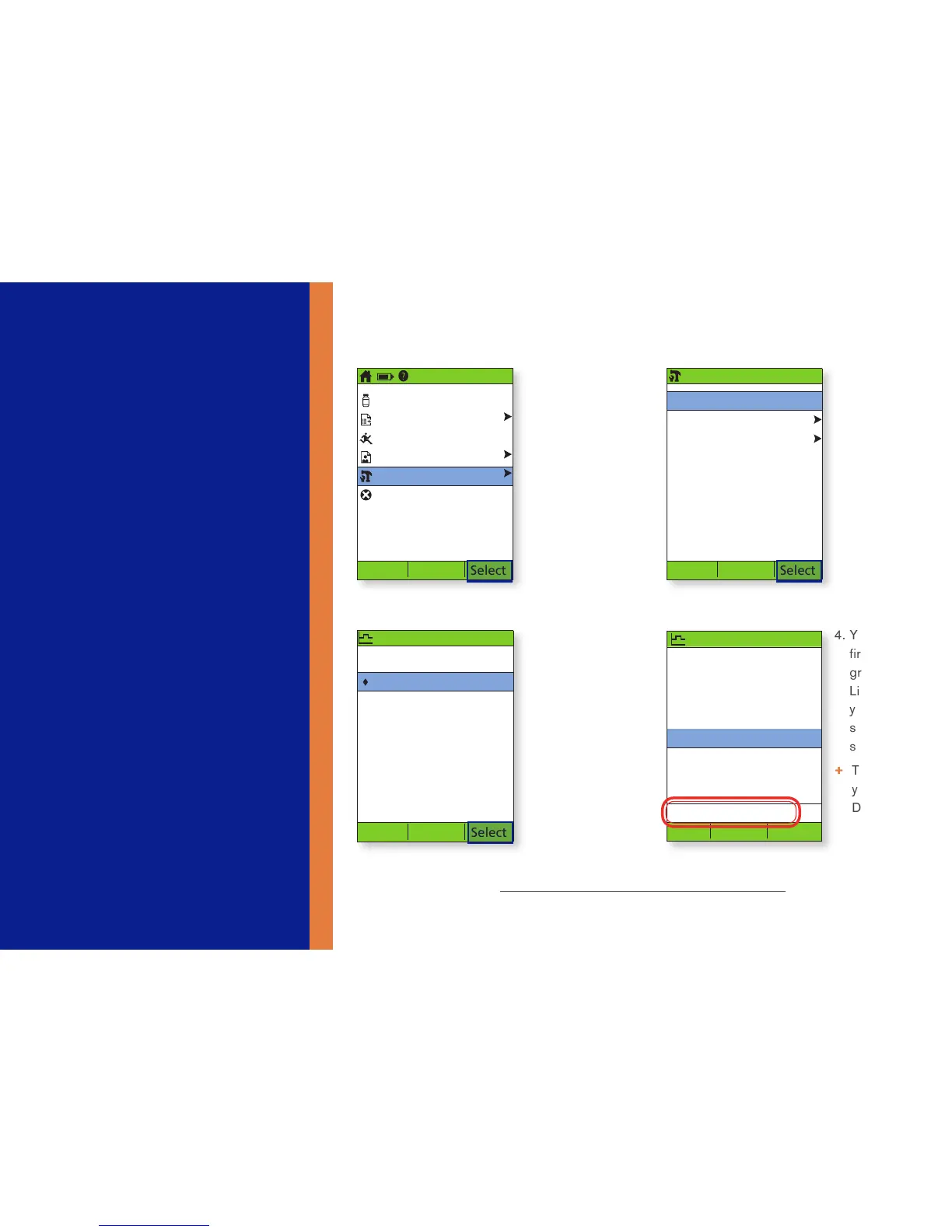
How to Find Your Basal Program(s)
2. Select Basal
Programs
3:00p 5/15
Basal programs:
basal 1
basal 2
Weekend
[add new]
Back Select
Enable
1. On Home
Screen
Select
Settings
4. You will
first see the
graph, press
List to view
your basal
segments as
shown
+ Take note of
your Total
Daily Basal
3. Select
the basal
program
to review.
On the next
screen,
select View
3:00p 5/15
Basal 1:
Segment U/hr
12:00a - 8:00a 0.60
8:00a - 3:00p 0.80
3:00p - 12:00a 0.75
Daily basal: 17.15 U
Back Graph



 To Next Page