•
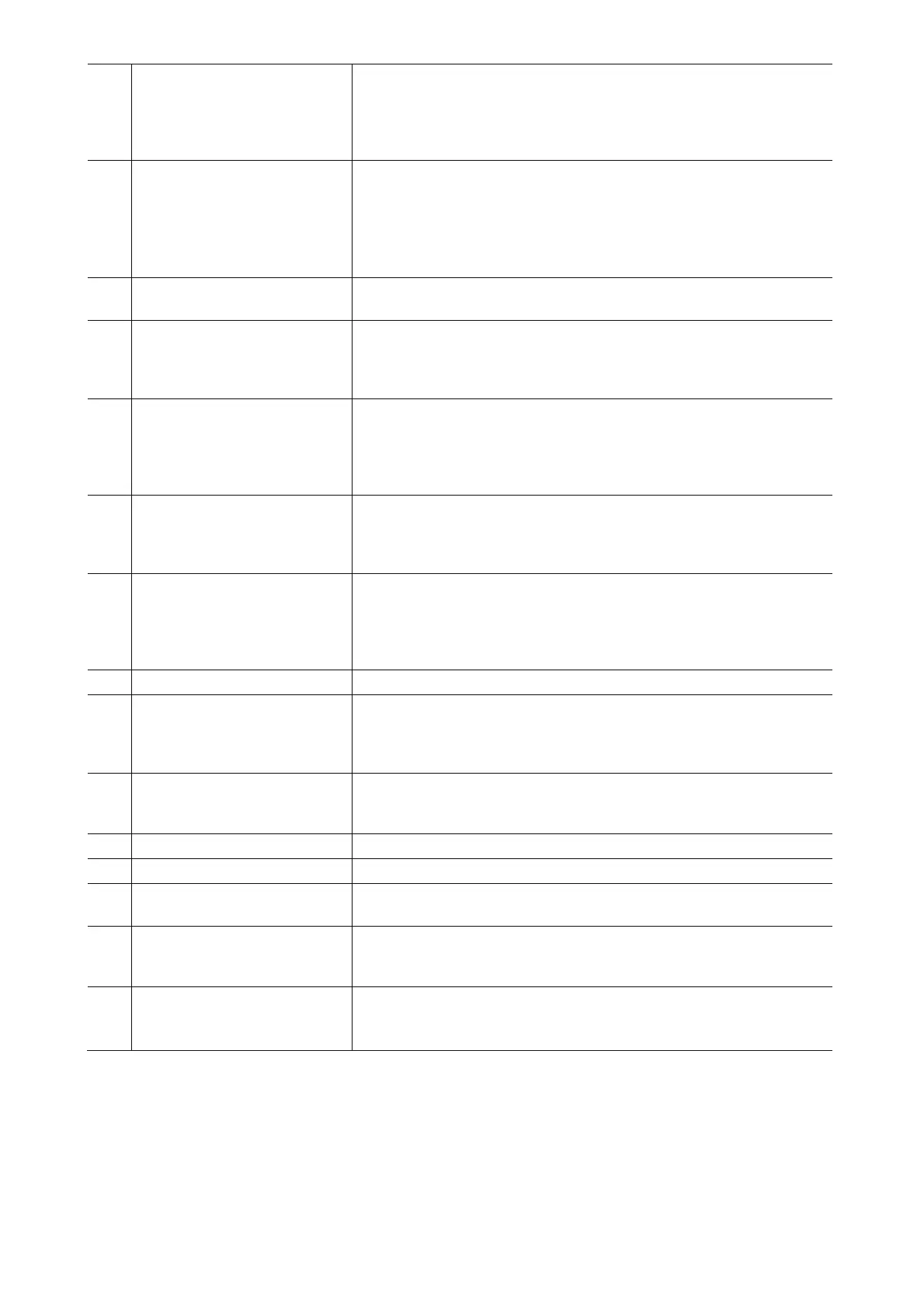
34 Filter type selector switch Selects the filter type:
• HP (high-pass filter): low frequencies are attenuated.
•
BP (band-pass filter): low and high
frequencies are attenuated
and only a narrow band in the mid-frequency range remains.
• LP (low-pass filter): high frequencies are attenuated.
35 FQ sweep control Sweeps the filter frequency from low to high. The more the control
is turned up, the more higher audio frequencies should be audible.
Rotate the control during your performance to produce dynamic
sweeping effects.
Tip: Take some time to experiment with the filter settings before
your first live performance.
36 On/off switch for the filter If the switch is set to the right, the filter is activated and the audio
signal is processed.
37 On/off switch with LED
Pressing this switch will add the effects signal present at the effects
Return jacks (7) to the master bus. Releasing this switch will
remove the effects signal from the master bus. The LED indicates
the status (lit when pressed).
38 HIGH/MID/BASS
master isolator controls
Allow the adjustment of the high, mid and low range for the master
outputs. If a control is turned to the left stop position, the
corresponding frequency band is
completely removed (kill cut). This
feature can be used e.g. for acapella effects or to cut vocals and
melody from the source material.
39 Crossfader Determines the mix ratio between the stereo signals assigned to its
left side and the stereo signals assigned to its right side (via
switches 21). The crossfader can be disabled setting all switches to
“THRU”.
40 PFL mode switch This toggle switch offers two pre-listening modes. Flip to the right to
select SPLIT mode: the master signal appears on one earcup of
the headphones, the PFL signal on the other earcup. Flip to the left
to select CUE MIX. In this mode, master and PFL signal are mixed
with adjustable ratio by means of control (42).
41 CUE VOL control Determines the signal volume at the headphone output (47).
42 CUE MIX control Allows the headphone signal to be a mix of the master output and
the input(s) assigned to the PFL bus by means of switches (22).
This control determines the mix ratio between the main and the
PFL signal.
43 CUE switch with LED Assigns the respective channel to the headphone bus for pre-fader-
listening (PFL) by means of the headphone output (47). The LED
indicates the pressed position.
44 VOL control Volume controls for the MIC 1 and 2 microphone channels.
45 ON AIR switches Flip to the right to enable the relative microphone channels.
46 HIGH/LOW tone controls Allows the adjustment of the high and low range for the MIC 1 and
2 microphone channels with an adjustment range of ±18 dB
47 Headphones output 3.5 mm/6.3 mm jacks for connecting stereo headphones. Turn the
level control (41) down before plugging in any headphones, as
sudden high-volume impact may damage your ears.
48 CROSSFADER SLOPE
control
Adjusts the characteristic of the crossfader. Turn counterclockwise
for smooth crossfading (e.g. for long mixes) and clockwise for
sharp crossfading (e.g. for scratching and cutting).


 To Next Page
 Loading...