OMRON ELECTRONICS LTD ● Technical Support: 0870 752 0871 or visit www.myOMRON.com
34
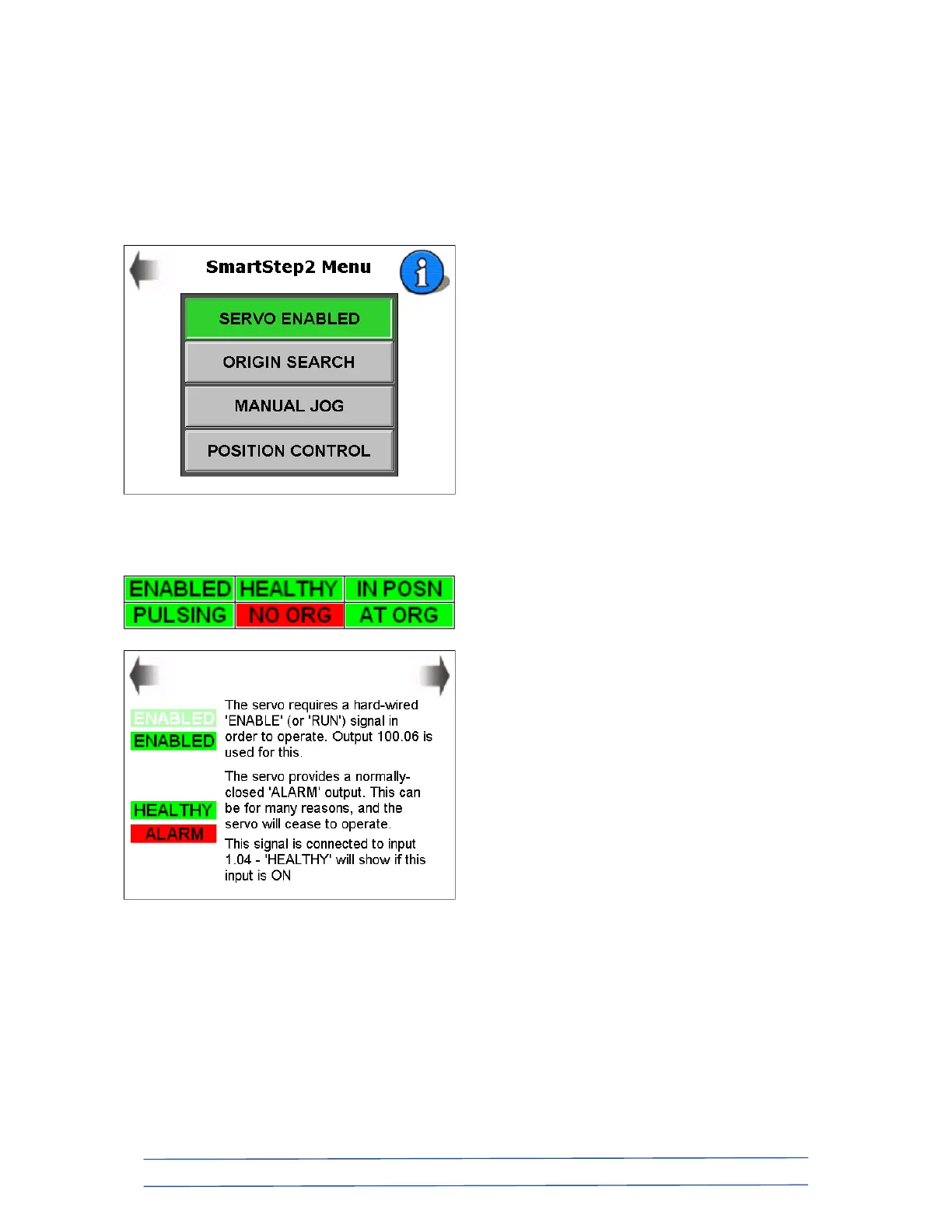
SmartStep2 servo menu;
If you have a SmartStep2 servo as part of your system, you will be able to control it using
high-speed digital pulses from the PLC.
Pressing the “SMARTSTEP2 SERVO” button from the “MAIN MENU” screen brings up the
following sub-menu for servo control;
The blue “info” button brings up the following three screens which explain the operation
symbols panel which appears on each of the servo control screens…












 To Next Page