Page: 10
FinsGateway Modem Module User’s Manual
©
©©
© Copyright OMRON Corporation 1999 All Rights Reserved
Copyright OMRON Corporation 1999 All Rights Reserved Copyright OMRON Corporation 1999 All Rights Reserved
Copyright OMRON Corporation 1999 All Rights Reserved
4 – 2 Serial Communications Driver Settings
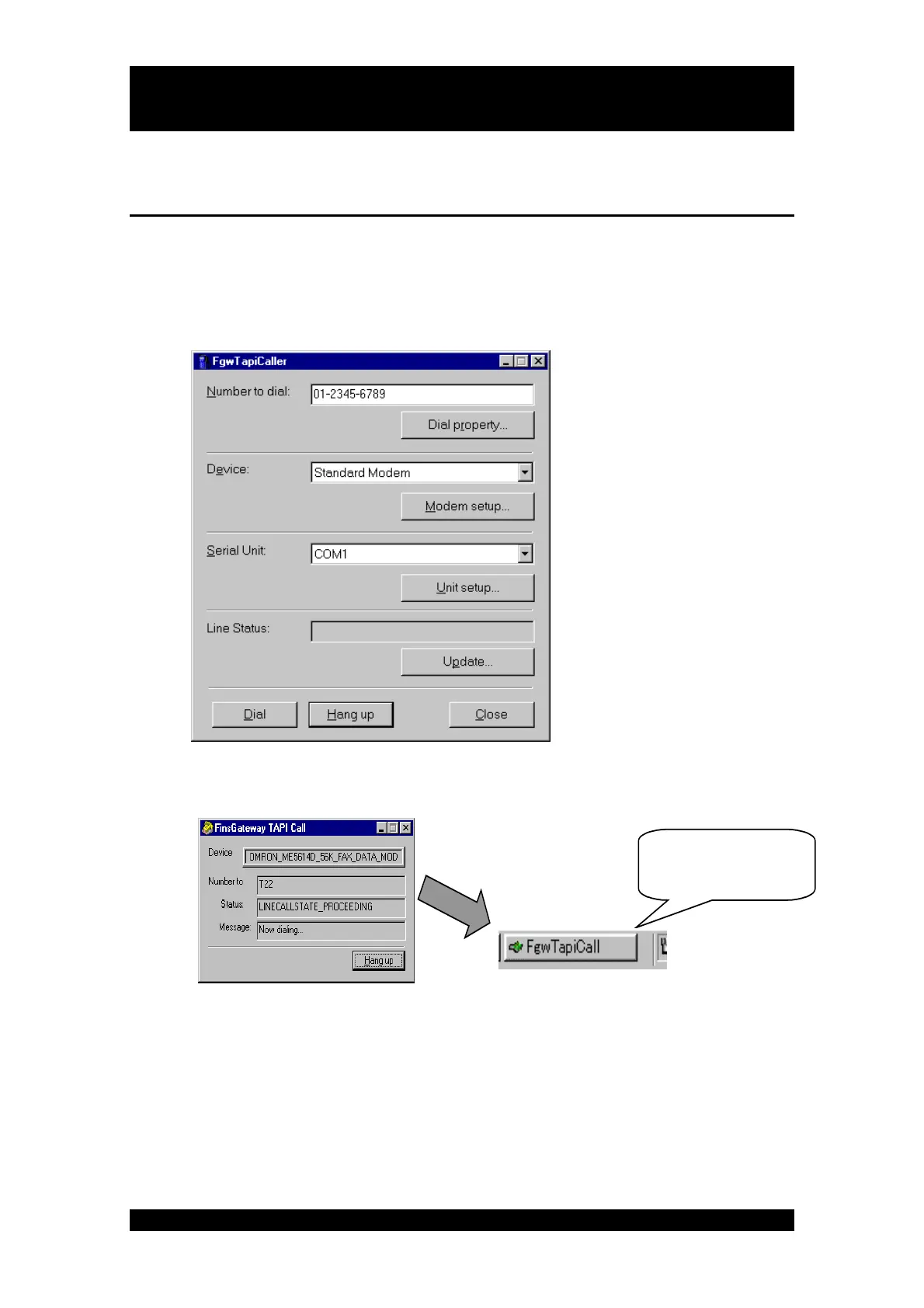
1. Dial the destination.
After the telephone number is registered, Click the [Dial] button and start dialing. You can
monitor status and perform one-shot communications with a remote PLC after dialing is
completed successfully.
The line status dialog appears when dialing. After dialing is completed successfully, the dialog
is minimized automatically.
Click the icon to see th
dialog again.



 To Next Page