11
CLOCK / ALARM / KEYPAD TONE / TAP ON LENS
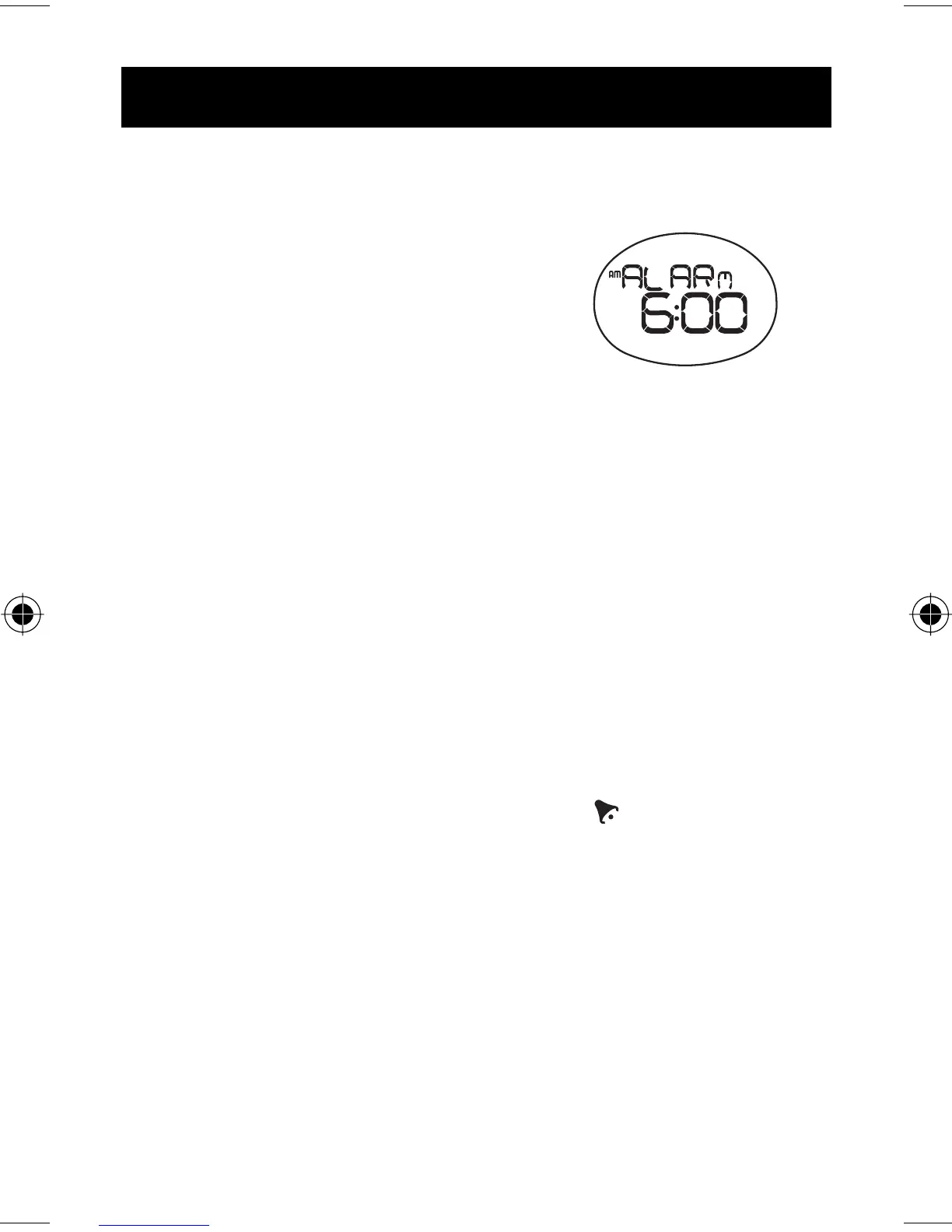
ALARM
To set the daily alarm:
1. Press MODE to navigate to clock
mode.
2. Press SET until you reach the alarm
display.
3. Press and hold SET until the fi rst setting fl ashes.
4. Press
+
to change the setting. Hold to speed through the options.
5. Press SET to confi rm and move onto the next setting. The setting
sequence is hours and minutes.
To turn the alarm sound OFF and reset it for the next day:
Press any key.
To activate / deactivate the alarm:
1. Press MODE to navigate to clock mode.
2. Press SET until you reach the alarm display.
3. Press
+
to toggle between alarm on or off. appears when the
alarm is activated.



 To Next Page