Programmable Relay ZEN V2 Units 23
8. Display Settings (Only for Standard LCD-type, Economy-type, and Communications-type
CPU Units)
Note: 1. When L0 or L1 are selected to disable the display function screen, the display function screen will not be displayed automatically. Use
operation buttons to move to the display function screen.
2. When L2 or L3 are selected, the ZEN switches to the display function screen if the display function is enabled and the specified data is
displayed. The Main Screen will no longer be displayed. To display the Main Screen, change the CPU Unit to STOP mode.
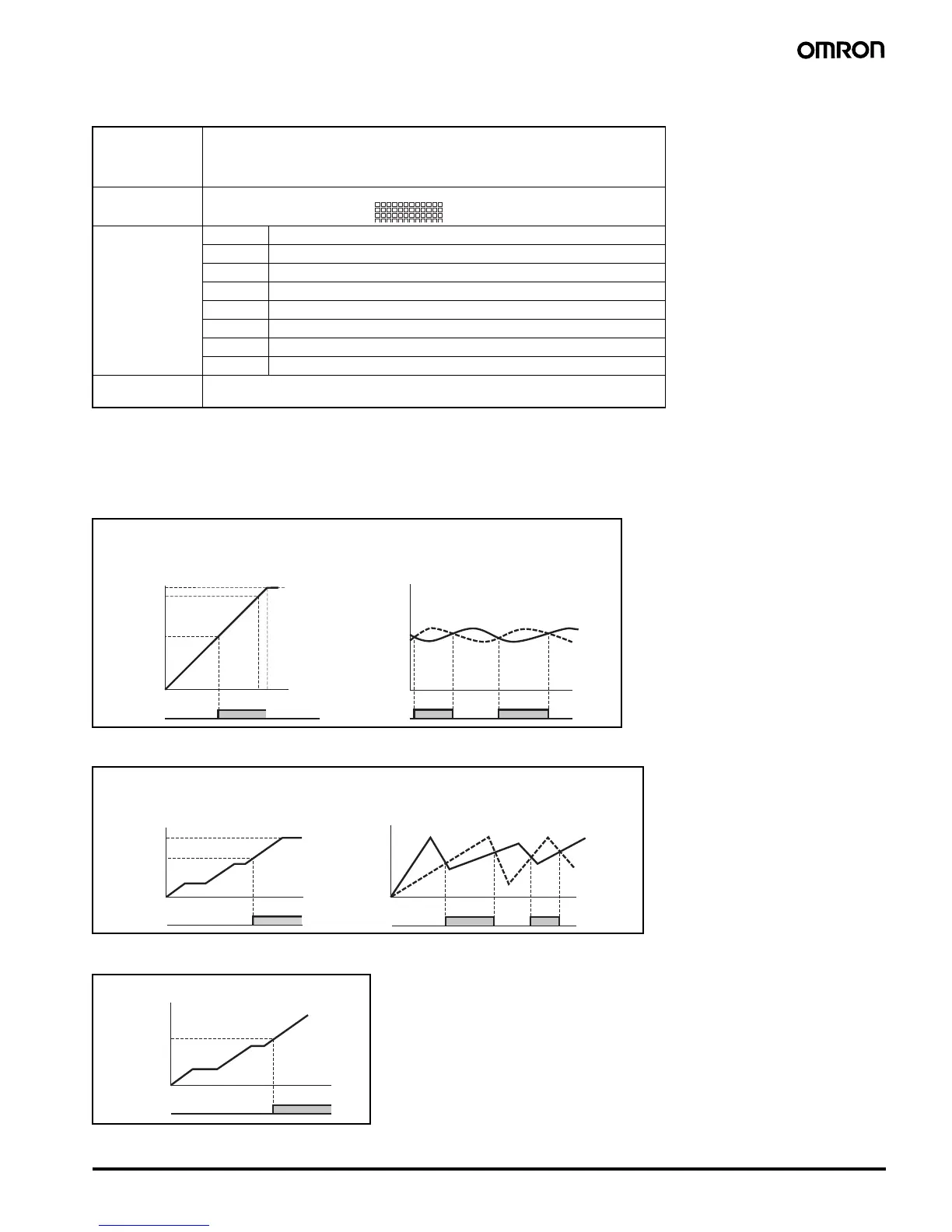
9. Analog Comparator Operation
10. Timer/Counter Comparator Operation
11. 8-digit Counter Comparator Operation
Backlight/display
function screen
switching
L0: No backlight; No switching to display function screen (See note 1.)
L1: Backlight; No switching to display function screen (See note 1.)
L2: No backlight; Switching to display function screen (See note 2.)
L3: Backlight; Switching to display function screen (See note 2.)
Display start
position
X (digit): 00 to 11
Y (line): 0 to 3
Display object CHR Characters (Up to 12 characters - English, numerals, symbols)
DAT Month/day (5 digits @@/@@)
CLK hour/minute (5 digits @@:@@)
I4 to I5 Analog-converted value (4 digits @@:@)
T0 to Tf Timer present value (5 digits @@.@@)
#0 to #7 Holding timer present value (5 digits @@.@@)
C0 to Cf Counter present value (4 digits @@@@)
F0 8-digit counter present value(8 digits @@@@@@@@)
Monitoring A: Can read settings during operation.
D: Cannot read settings during operation.
X00 X11
Y0 to Y3
10.5
10.0
5.2
00.0
0.0 10.0 V
Input voltage
10.5 V
Setting
Analog
com


 To Next Page