directly in the blank and press “Save”.
Keep the speed dial status on, you can press and hold
the “1-9” key to dial out the corresponding number which
has been set.
3.2 Answer and end a call
The phone will ring or vibrate when there is an
incoming call.
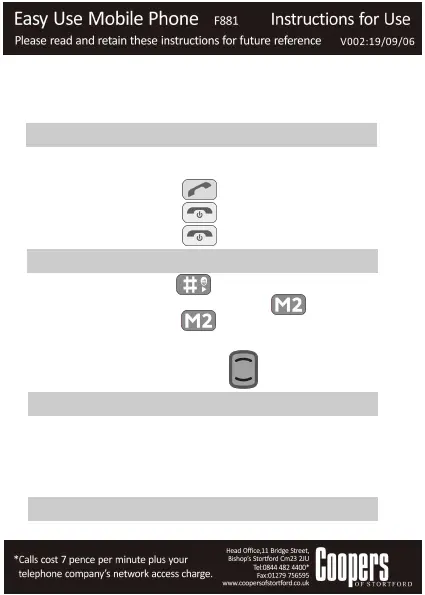
Press Call key to answer the call.
Press End key to reject the call.
Press End key to end the call.
3.3 Text Input
Press the # key to change the input modes.
Delete Character: Press M2 to clear a
character. Hold M2 to delete all characters.
Move cursor to left or right: Among the text,
press the Up/Down keys to move the
cursor to left or right.
3.4 Adding contact to the Phonebook
You can add new phone numbers to your phonebook.
Go to Menu--- Phonebook---Add new contact.
Input name, mobile number, insert caller picture and set
up the default ringtone.
Press “Option” and save.
3.5 Sending and receiving messages
You can use your mobile phone to send and receive message.


 To Next Page