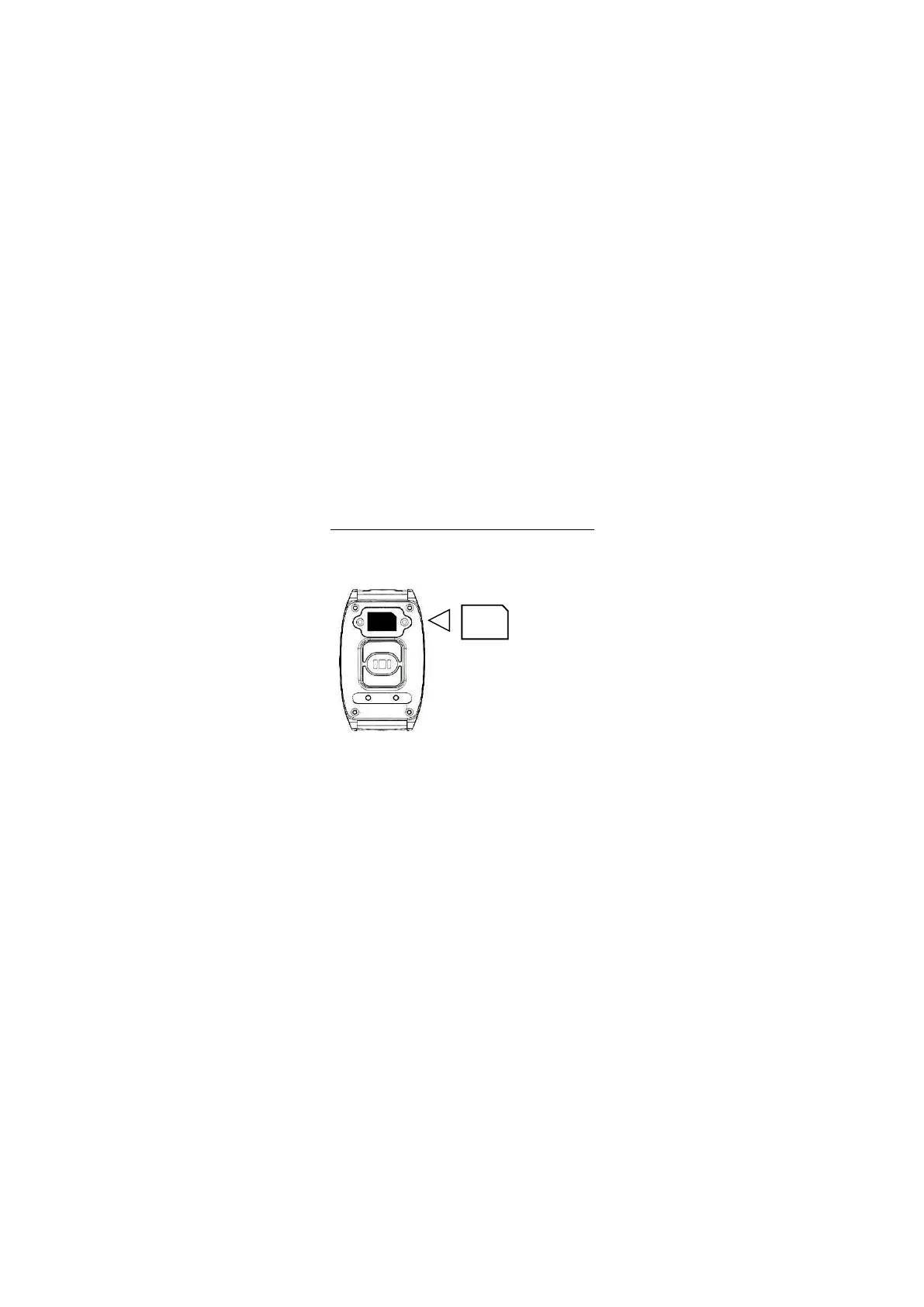
SIM
Install the SIM card only when the device is
switched off. Use the included screwdriver for
installation.
Use only a nano SIM card
with the PIN deactivated
beforehand (e.g., via your
smartphone). Insert the SIM
card with the chip side
facing the device and the
cut corner to the right.
nano-SIM
The current time is displayed after successful
installation. If not, check the network connection. A
network connection is indicated by bar symbols in
the top left of the display.
2. SIM Card Installation



 To Next Page