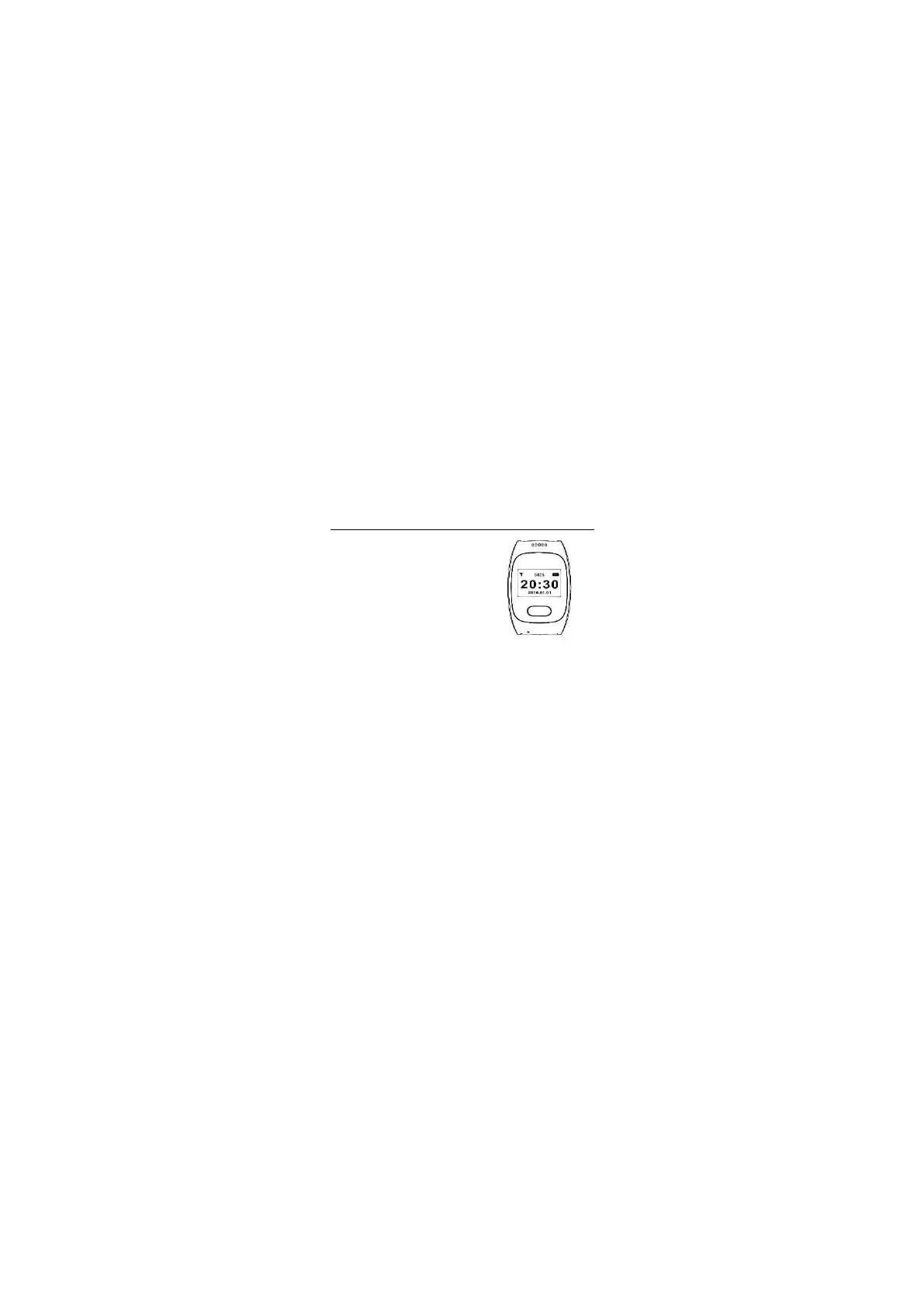
Switch On: Press and hold the button
SOS Call: Long press the button until
the dialed number on the display
appears.
Pulse and Blood Pressure
Measurement: Press button briefly
until the pulse and blood pressure
measurement icon appears.
Do not move. The measurement
starts automatically. Wait until the
measured values no longer change.
Telephone Book: Press the button briefly
several times until a telephone book entry
(entered via the app) appears. Then long
press the key to dial the selected telephone
book entry.
Switch Off: Press the button briefly several times
until the switch off symbol appears. Then long
press the button.
Charging: Plug the USB end of the charging
cable into a USB charger or into a computer.
Connect the magnetic contact to the
charging contact of the One Button Phone.
3. Operation


 To Next Page