Enter your SOS numbers in the menu item SOS
Numbers on the left menu bar (can also be called
up by swiping). You can enter up to 3 numbers that
will be called in sequence if a number does not
answer. For international dialing codes, please
enter 00 instead of +.
To call your active One Button Phone from your
smartphone, simply press and hold the top tile of
the main screen of the app. You will be redirected
to your phone app on your smartphone.
In the menu item SOS History you can see the last
calls from the One Button Phone via the SOS button.
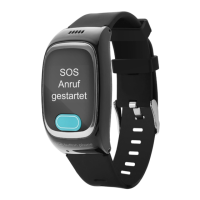
When calling via the SOS button, you will also
receive an SMS with location information.
You can also enter up to 10 contacts in the
Phonebook menu in the left menu bar. The One
Button Phone can then dial a selected number
from the phonebook. By activating the White-List of
the App, the One Button Phone only receives calls
from these contacts. For international dialing codes,
please enter 00 instead of +.
7. Add Numbers


 To Next Page