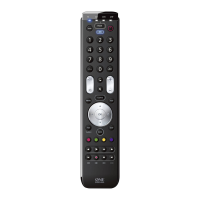
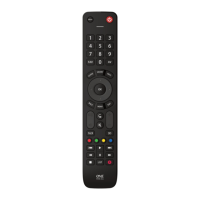
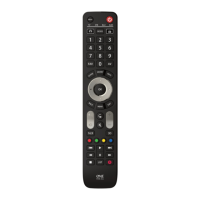
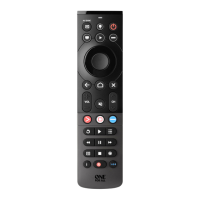
Master Power
“Combi Control”
control TV + SAT
will be programmed automatically when you set up a TV and SAT.
In Combi Control the POWER key will switch ON/OFF all devices
within the activated Combi Control Setting – simply by pressing it
for 3 seconds.
E.g. within Combi Control combination 1 you can switch OFF your
TV and SAT by by pointing towards these devices and simply
press and hold the POWER key for 3 seconds.
By now you probably have set up the ONE FOR ALL remote to control all (or most of) your
devices. Wouldn’t it be convenient if you wouldn’t have to select a device type all the time.
You can make this possible with ONE FOR ALL Combi Control. Combi Control enables you
to control up to 2 devices simultaneously (e.g control TV + SAT simultaneously).
ONE FOR ALL Combi Control


 To Next Page
 Loading...