WWW.ONEFORALL.COM 2
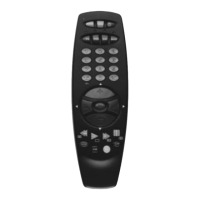
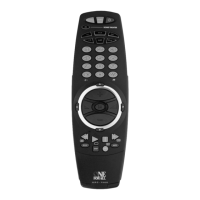
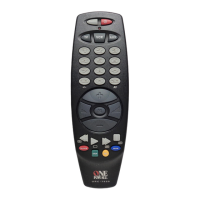
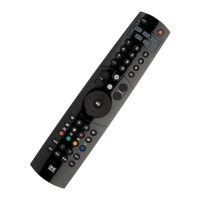
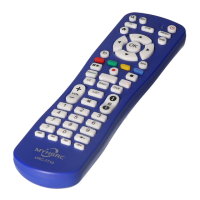
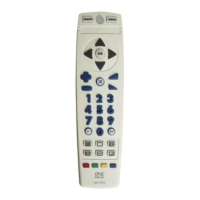
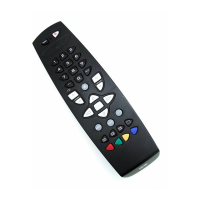
PICTURE OF ONE FOR ALL REMOTE
3
THE KEYPAD
4
INSTALLATION
Set-Up using the barcode reader 6
Set-Up by barcode number 7
The Search Method 8
Blinking back your SET-UP CODE 8
ADVANCED FEATURES
Colour, Brightness and Contrast 9
Auto Scan 9
Sleeptimer 9
ONE FOR ALL Sleeptimer 10
ONE FOR ALL Recall (Previous Channel) 10
Key Magic 11
TROUBLE SHOOTING
Helpful Hints 11
Customer Service 12
Table of Contents
Important notes:
- In order to avoid having to reprogram your ONE FOR ALL after
you remove the batteries, you will need to insert new batteries
within 5 minutes. Also it is best that you do not use rechargable
batteries.
- On the inside of the battery compartment door you will find a
label on which to write your SET-UP CODE after your ONE FOR
ALL is set up for your television. Please write down your SET-UP
CODE for easy, future reference.
Your ONE FOR ALL needs 2 new “AA/LR6” alkaline batteries.
1. Remove the battery cover from the back.
2. Match the batteries to the + and - marks.
3. Press the battery cover back into place.
Installing the Batteries
UK






 To Next Page