5
SETUP
SETUP BY CODE
If the brand of your device is not listed in the SimpleSet feature, you
can set up by trying codes individually. To do this rstly locate your
brand in the Code List. Codes are listed by brand and device, and in
order of popularity.
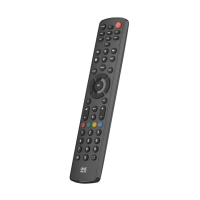
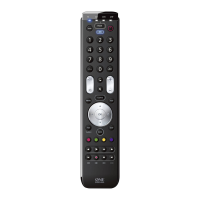
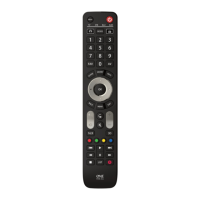
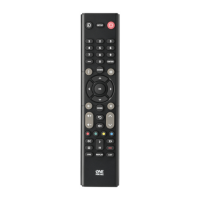
1. Turn on your device (not on standby) and point the Essence
remote towards it.
2. Press the Device key you wish to set up (for
example TV).
3. Hold down the Setup key until the LED under the
Device key blinks twice.
4. Enter the rst 4 digit code listed for your brand
(e.g. 1840 for LG).
5. The LED will blink twice on the last digit of the code.
6. Now aim the remote towards your device and press
the Power key.*
7. If the device turns o your remote is ready to use. If not, repeat
steps 2-6 with the next code in the list.
* Note: If your original remote did not have a Power key, try testing
with a dierent key at step 6. For example try pressing Play or Pause
when setting up a streaming box and see if the box responds.
713430_1-3_21T_Printfile_URC1281_ESSENCE_8_RDN1150323.indd 5713430_1-3_21T_Printfile_URC1281_ESSENCE_8_RDN1150323.indd 5 22-03-2023 11:5122-03-2023 11:51


 To Next Page
 Loading...