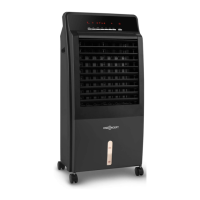
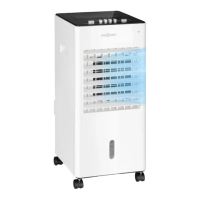
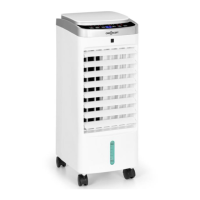
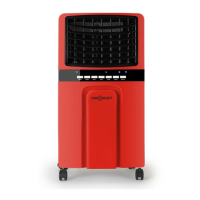
7
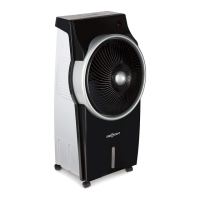
Product Description
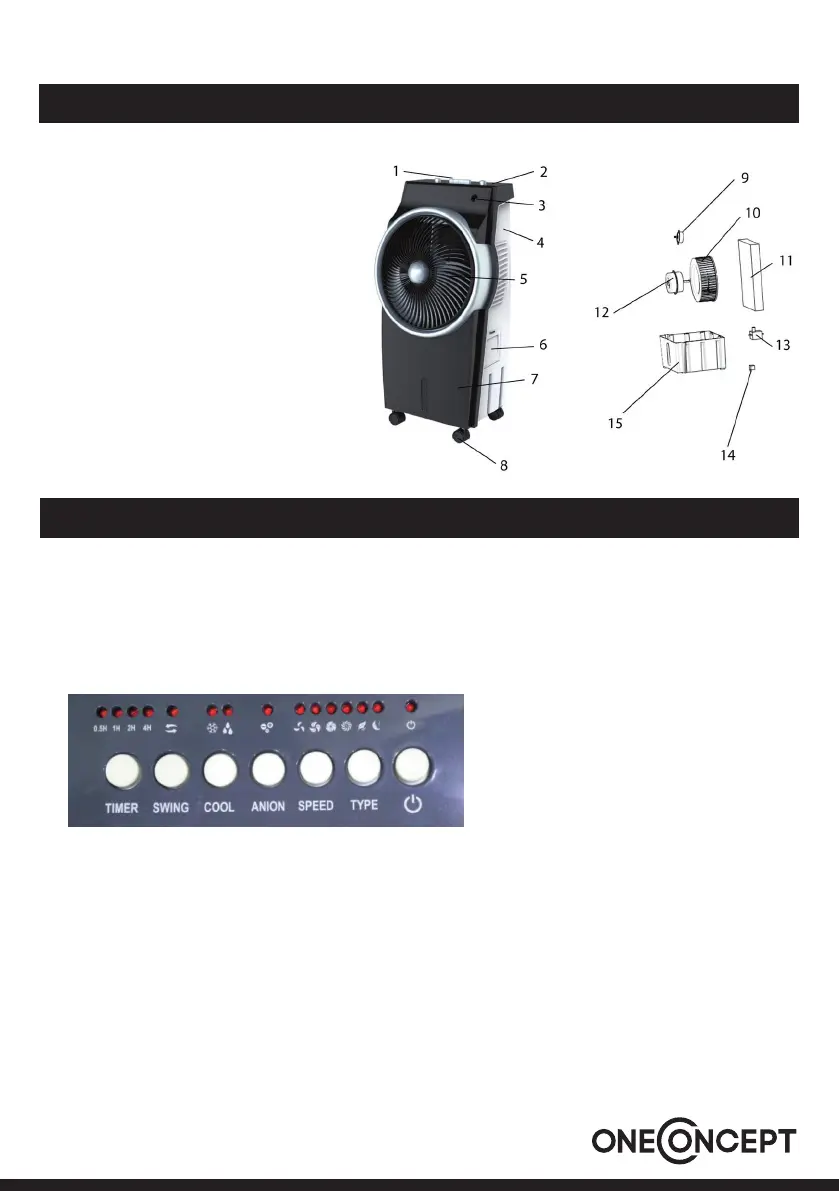
1 Keys
2 Control panel
3 Receiver (Remote Control)
4 Back cover
5 Rotary vane
6 Water cover
7 Front cover
8 Caster
9 Synchronous motor
10 Turbines
11 Wet curtain
12 Motor
13 Water pump
14 Anion Generator
15 Water tank
Use and Operation
Water Injection
• First opened the door of water injection, add water to the specied value.
• Then close the door of water injection.
Control Panel and Keys
POWER
Plug the plug into the socket and press the POWER button. The device starts at low speed.
To turn the unit o, press the POWER button again.


 To Next Page