18
EN
INSTALLATION
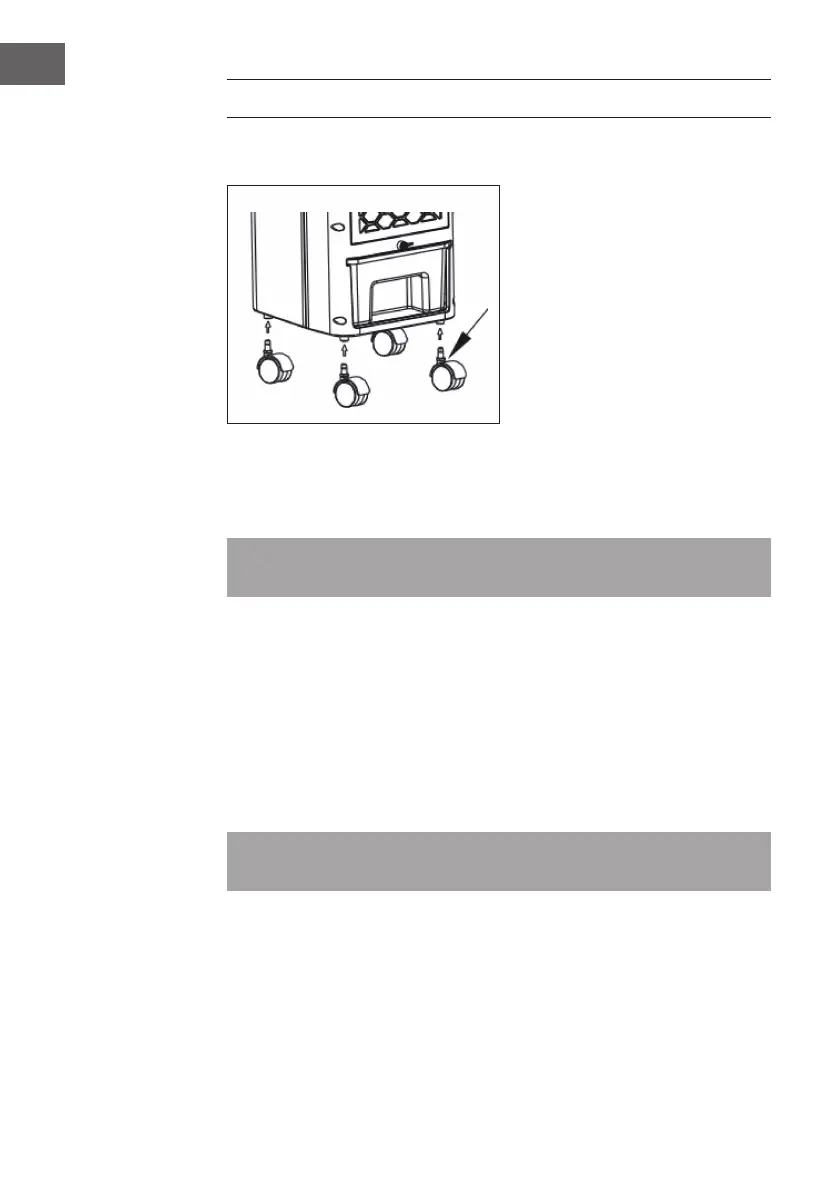
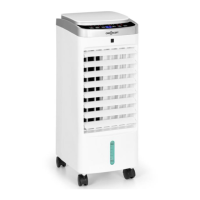
Remove the unit from its packaging and install the wheels as follows:
Fill with water
If you want to use the cooling and humidifying function, add water to the water tank.
Open the tank lock button, pull out the tank and slowly ll the tank with water.
Note: The water level must be between the min mark and the max mark. Do not
overll the tank. Disconnect the plug from the socket before lling!
How to use the ice boxes
The ice box ensures that the water temperature in the water tank remains below the
ambient temperature for several hours so that the air blown out by the fan is cooler.
• Place the ice box in the freezer compartment of the fridge until it is completely
frozen.
• Place a frozen ice box in the water tank and slide the water tank back into position.
After about ten minutes, the water temperature in the water tank will be lower than
the ambient temperature.
Note: This unit is equipped with two ice boxes to ensure continuous operation. It is
strictly forbidden to open the ice box and swallowing is fo


 To Next Page