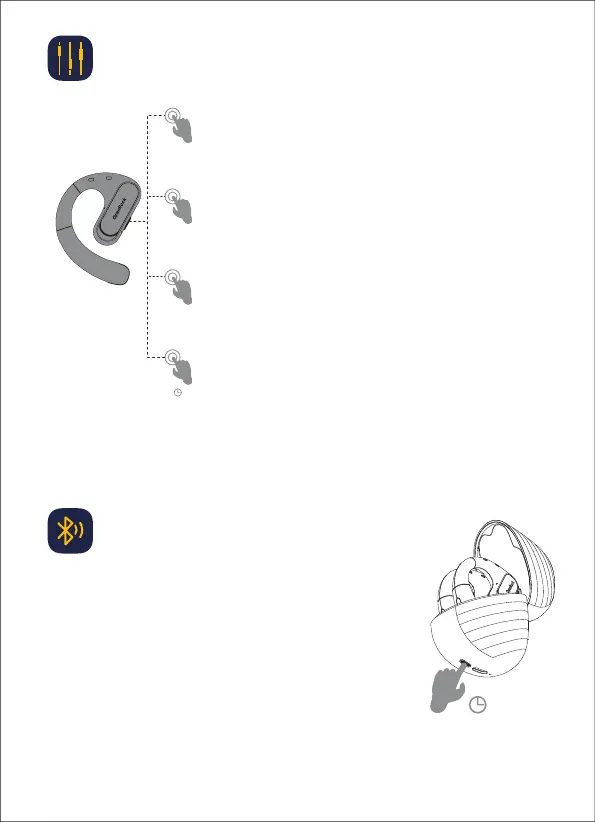
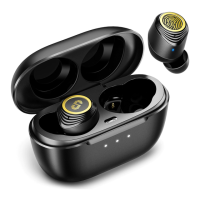
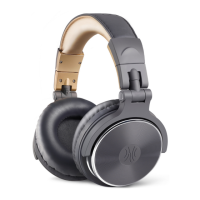
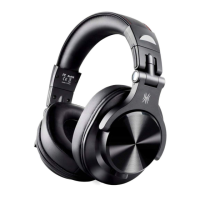
Left ear: Volume-
Right ear: Volume+
x1
x2
1.5″
Answer/hang up the phone; play/pause music
x3
Earphone control (volume / cut / call)
4
Music status
Left ear: Previous song
Right ear: Next song
Call status
Re-pair with the device
3″
1. Place the headset inside the charging case and keep it open
2. Press and hold the button on the charging case for 3s
3. Release button after the blue indicator light on the charging
case has flickered twice
4. The earbuds enter matching mode with the cellphone

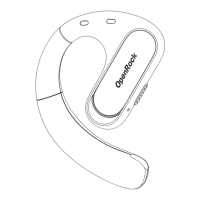

 To Next Page