Utensils Remarks
Aluminum tray
Food carton with
Metal or metal-
Metal twist ties
Plastic Foam
Wood
Utensil Test , if any doubt :-
CAUTION
: May cause arcing. Transfer food into microwave-safe dish.
May cause arcing. Transfer food into microwave-safe dish.
: Metal shields the food from microwave energy. Metal trim may
cause arcing.
: May cause arcing and could cause a fire in the oven.
: Plastic foam may melt or contaminate the liquid inside when
exposed to high temperature.
: Wood will dry out when used in the microwave oven and may
spilt or crack.
1. Fill a microwave-safe container with 1 cup of cold water (250ml) along with the utensil
in question.
2. Cook on maximum power for 1 minute.
3. Carefully feel the utensil. If the empty utensil is warm, do not use it for microwave
cooking.
4. Do not exceed 1 minute cooking time.
Personal Injury Hazard: Tightly-closed utensils could explode. Closed containers are
opened and plastic pouches pierced before cooking.
metal handle
trimmed Utensils
Paper bags
:
: May cause a fire in the oven.
You can test the utensil in question following the procedure below:
Cookware
Microwave Grill Convection Combination*
Heat Resistant Glass Yes Yes Yes Yes
Non Heat Resistant Glass No No No No
Heat Resistant Ceramics Yes Yes Yes Yes
Yes No No No
Kitchen Paper Yes No No No
Metal Tray No Yes Yes No
Metal Rack No Yes Yes
No
Aluminum Foil &
Foil Container No Yes Yes No
Microwave Safe Plastic Dish
8
9
MATERIALS TO BE AVOIDED IN
MICROWAVE OVEN
* Combination: applicable for both “microwave+grill”, and “microwave+connection” cooking.
/ UTENSILS
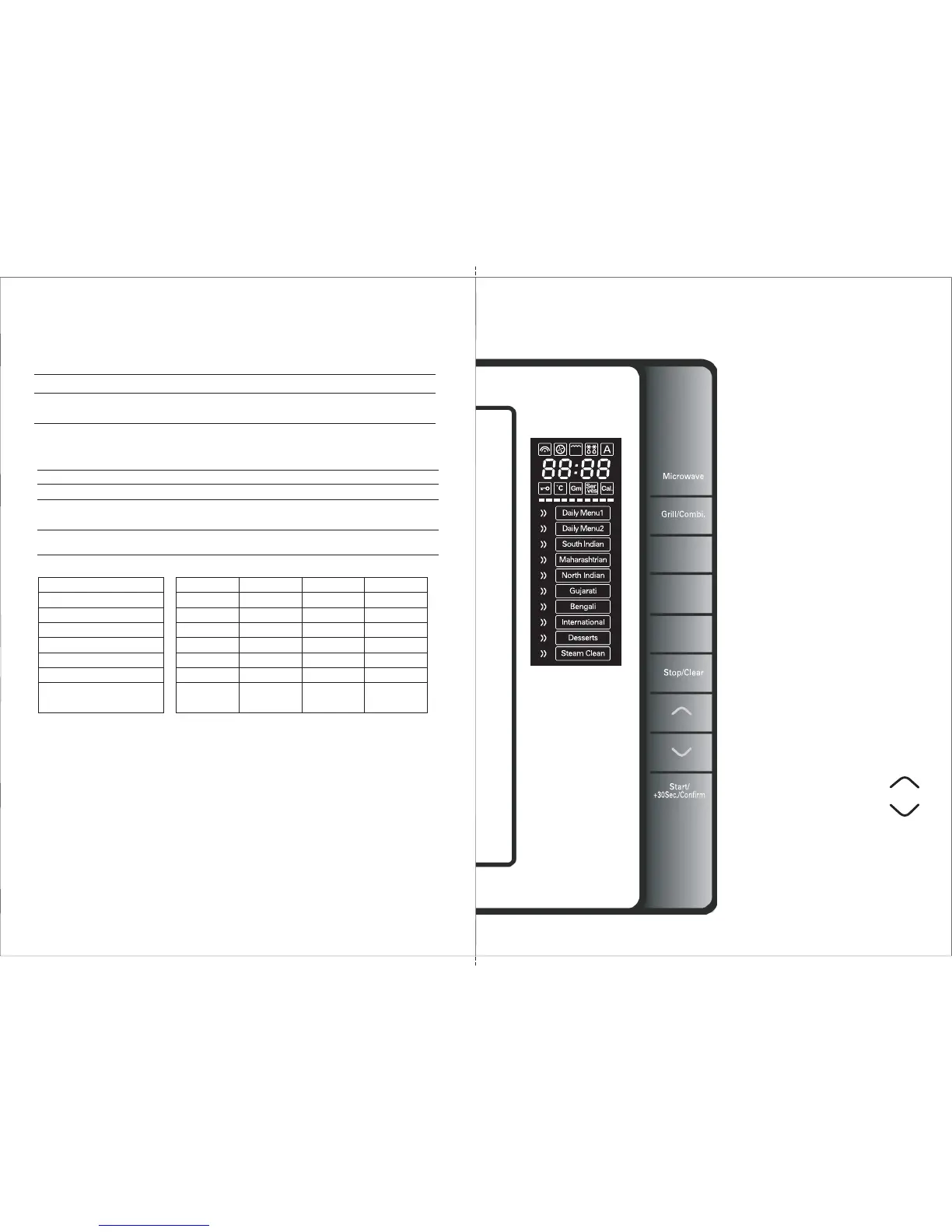
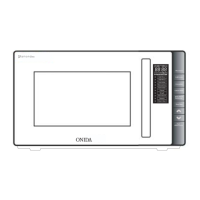
Control Panel
Calorie Meter
Keep Warm/
Deodorizer
Convection
Microwave
Press to select Micro power levels .
Grill / Combi
Press to select Grill or
Combination settings
Convection
Press to enter Convection mode
Calorie Meter
Press to view the Calorie Value of
the Food Cooked in Auto Menu Mode
Keep Warm / Deodorizer
Press once to Keep Warm .
Press twice to Deodorize .
Stop / Clear
Press to cancel setting or reset the
oven before Setting the cooking program
Press once to Temporarily stop cooking
, or twice to cancel cooking altogether.
It is also used for setting child lock.
Time / weight / Auto Menu
Press to set cooking time, or weight
of the food inside the oven.
Press in Stand by mode
to select Auto Menus.
Start / +30Sec / Confirm
Press to confirm the cooking program.
Press to start the cooking program.
Press to set quick cook function.


 To Next Page