1
Onity OS700 RFID Safe User Manual
1 Introduction
The Onity OS700 RFID Safe User Manual describes how to use and maintain the OS700 RFID safe.
1.1 Features
• Powered by four (4) Alkaline batteries AA, providing
approximately 5000 cycles
• Audible feedback with different tones to indicate
valid or invalid cards, openings, and closings
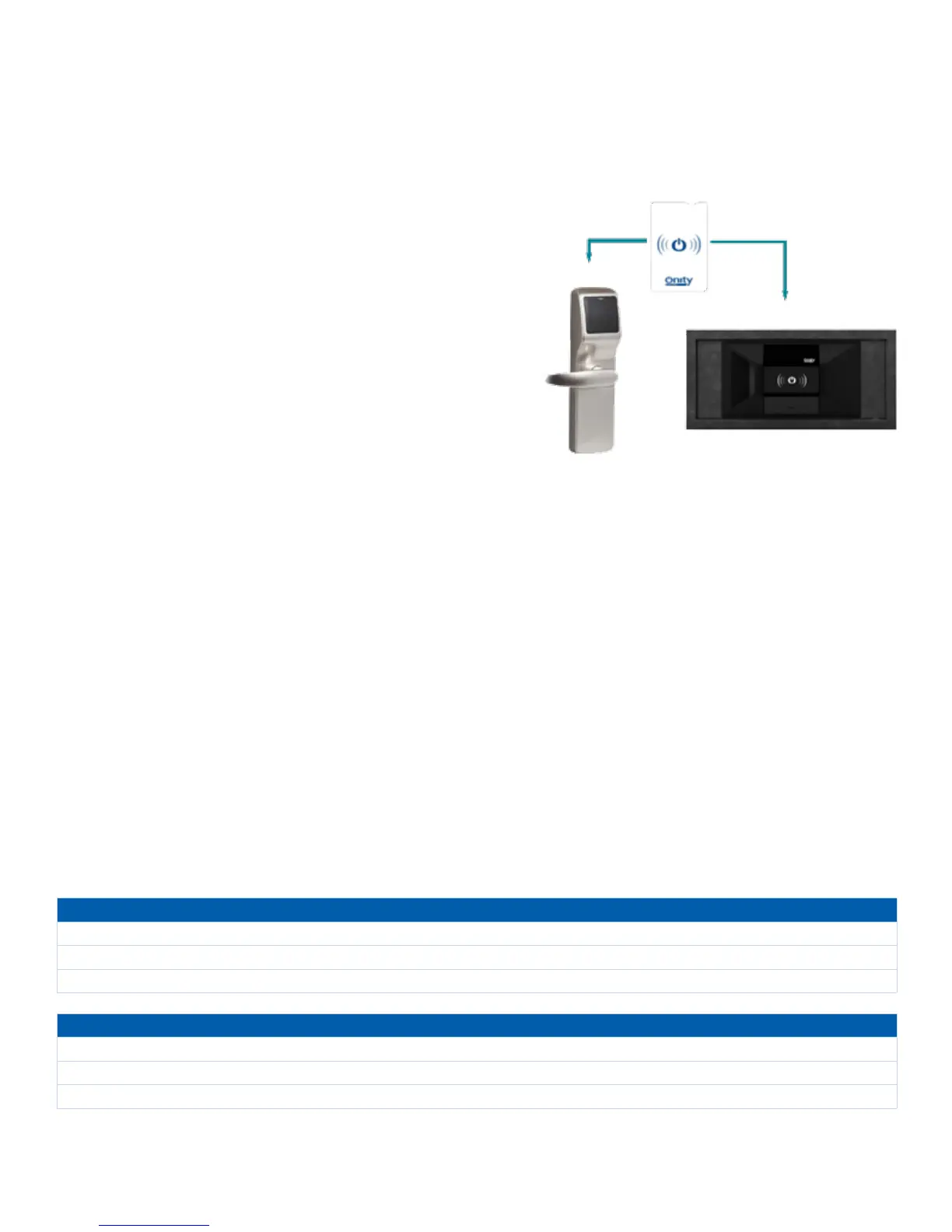
• Integrates into Onity Systems (Onity
®
OnPortal
TM
Lock Management system, HT24w, OnPoint and
HT22 stand-alone), using the key card to access
to the Onity front desk equipment, guest room, and
the OS700 safe
• Uses a Portable Programmer or tablet Portable
Programmer to open the safe
• Key override for emergency openings
• Has an audit trail feature which records the last 500
events in the auditor of the safe
1.2 Factory Mode
The OS700 RFID Safes are shipped unlocked and with some construction working cards included for their operation
(until the safes are initialized).
1.3 Technical Support
For technical support in North America, call 1-800-248-6189 or contact your sales representative. For technical support
in Europe/Middle East/Africa, call 34-943-448-300, email EMEA@onity.com or contact your sales representative.
2 Guest Use
When a guest arrives, the safe door should be opened. If the safe is locked when the guest arrives, it must be opened using
the Portable Programmer or with the safe master card.
If the OS700 safe door is closed and a new guest card is presented (not the previously used one) a red light and a sound
warning is displayed telling that the card is not valid.
During the stay, the guest can open and close the safe at any time. If a guest loses the card, they must report it to reception
to cancel the existing guest card. If the safe is closed they must contact reception to open it. The safe must be left unlocked
for the next guest.
Close the Safe
1. Place items in the safe and close the safe door.
2. Touch the key card to the safe RFID reader.
3. Green light ashes until the safe bolts are extended and the safe is closed.
Open the Safe
1. Touch the key card to the safe RFID reader.
2. Green light ashes until the safe bolts are retracted and the safe is open.
3. Open the safe door and remove items.


 To Next Page