26
Connecting Your Components
—Continued
Connecting a DVD Player
YPB
COMPONENT VIDEO OUT
P
R VIDEO
OUT
YPB
COMPONENT VIDEO IN
VIDEO IN
P
R
A
B
B
B
A
B
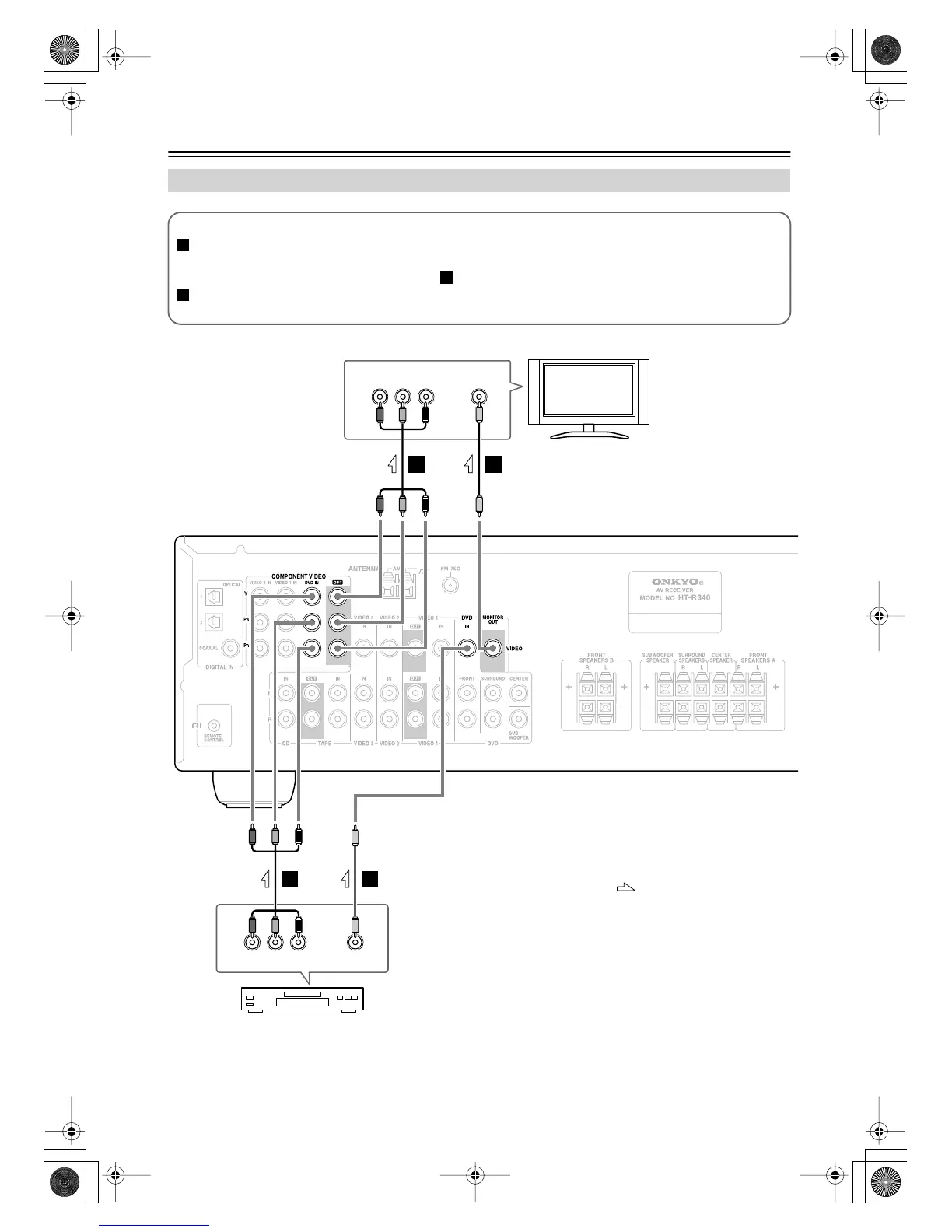
Step 1: Video Connection (DVD Player to AV Receiver to TV)
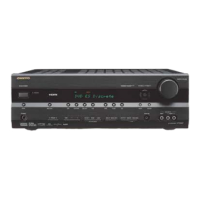
If your TV has component video input jacks, connect your DVD player to the AV receiver’s COMPONENT
VIDEO DVD IN jacks. And connect the AV receiver’s COMPONENT VIDEO OUT jacks to your TV. This will
provide better picture quality than connection .
If your TV doesn’t have component video input jacks, connect your DVD player to the AV receiver’s DVD IN
VIDEO jack. And connect the AV receiver’s MONITOR OUT VIDEO jack to your TV.
A
B
B
TV, projector,
etc.
DVD player
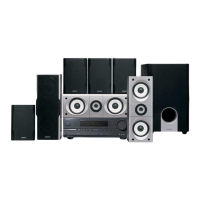
HT-R340
: Signal Flow
HT-S590En.book Page 26 Wednesday, February 1, 2006 4:26 PM

 To Next Page
 Loading...