5
Starting Your Tablet
1. Press and hold the Power button for 3~4 seconds.
(If your tablet does not turn on, or instructs you to "Connect your charger" ,
connect the AC adapter and charge the unit.)
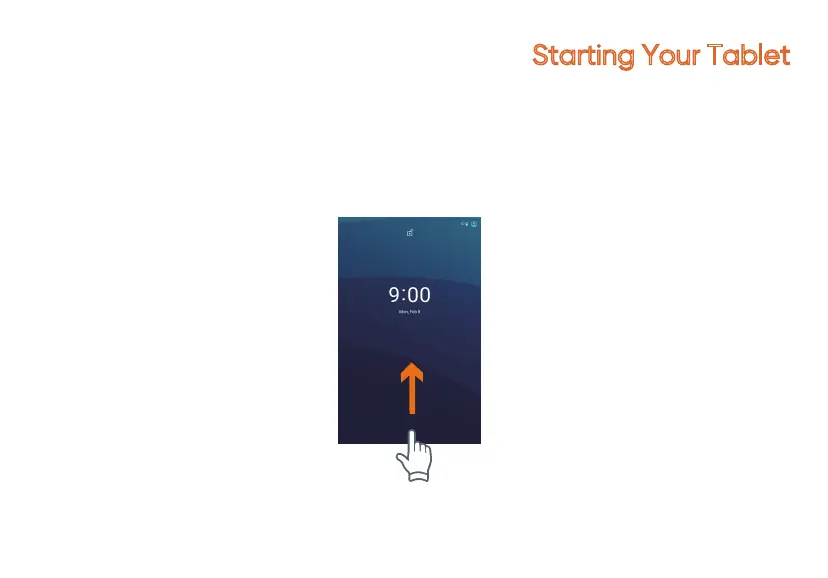
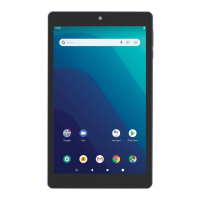
2. At the Start-up screen, swipe up from the bottom of the screen to unlock.
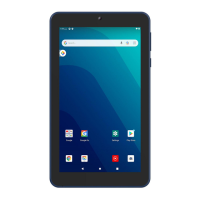
3. Once you' ve arrived at the Home screen, you can begin using your tablet.


 To Next Page