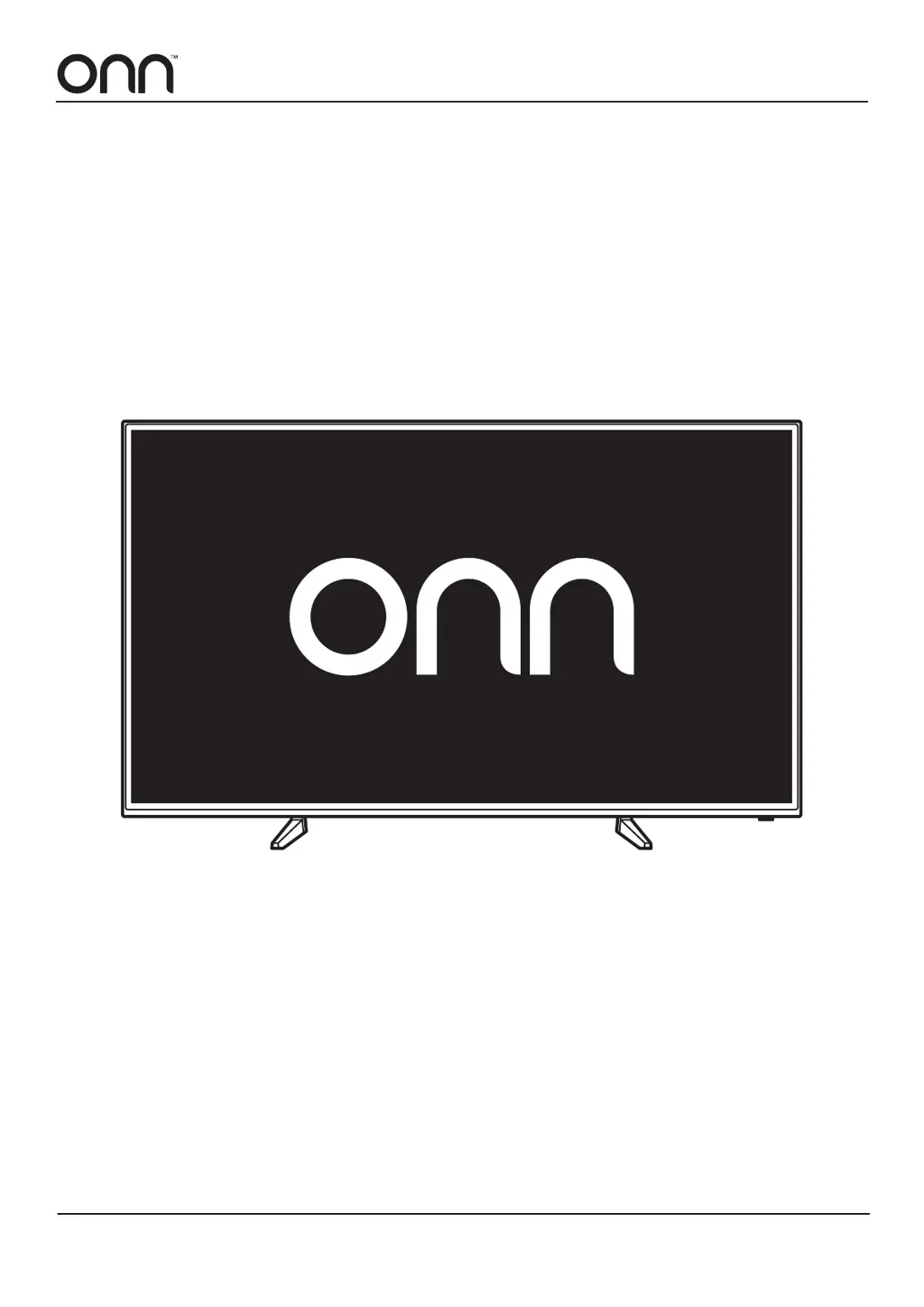
What does red LED indicator lights mean on Onn LED TV?
- AAbigail HopkinsSep 4, 2025
If the red LED indicator lights are on, the Onn LED TV is in standby mode. Press the Power button on the TV or the remote control to turn it on.
What does red LED indicator lights mean on Onn LED TV?
If the red LED indicator lights are on, the Onn LED TV is in standby mode. Press the Power button on the TV or the remote control to turn it on.
How to fix Onn ONA55UB19E06 LED TV that is dead?
If your Onn LED TV is dead and no LED is lit, make sure that the power cord is connected to a working wall outlet.
What to do if Onn LED TV has no output from one of the speakers?
To address no output from one of the speakers on your Onn LED TV, adjust the balance in the menu options.
Why does Onn ONA55UB19E06 picture appears slowly after turning on?
It is normal for the picture to appear slowly after turning on an Onn LED TV. The image is muted during the startup process. If the picture has not appeared after five minutes, contact a service provider.
What to do if Onn ONA55UB19E06 LED TV shows blue screen only?
If your Onn LED TV shows a blue screen only, press the INPUT button to select the correct source.
What to do if Onn LED TV has horizontal bars?
If your Onn LED TV is displaying horizontal or vertical bars, or the picture is shaking, check for local interference, such as from an electrical appliance or power tool.
What to do if Onn ONA55UB19E06 screen color is unstable?
If the screen color on your Onn LED TV is unstable or a single color, make sure that your video cables are correctly connected.
How to fix Onn ONA55UB19E06 LED TV computer image in incorrect position?
To correct the position of a computer image on your Onn LED TV, adjust the screen resolution using your computer’s settings.
What to do if Onn ONA55UB19E06 has noisy picture?
If your Onn LED TV is showing a noisy, snowy, or ghosting picture, and you are using an indoor antenna, try adjusting the antenna position. Also, check the antenna connections to ensure they are secure.
Why does Onn LED TV power suddenly turns off?
If your Onn LED TV suddenly turns off, the sleep timer may have been set. Check the power cord to ensure it's fully connected to the power outlet. Also, there may be no broadcast on the tuned station, so try changing the channel.
Details the functions and layout of the TV's remote control buttons for operation.
Steps to connect the TV to power and turn it on for the first time.
Guide through the initial TV setup process using the on-screen wizard for various settings.
How to turn the TV on, off, or put it into standby mode using the power button.
Instructions on how to switch between different input sources like HDMI, AV, etc.
Explains how to navigate the TV's main settings menu using directional buttons.
How to set up parental controls, change passwords, and lock channels or content.
Steps to change the parental control password for the TV.
How to block program content based on viewer ratings or specific parameters.
Details the functions and layout of the TV's remote control buttons for operation.
Steps to connect the TV to power and turn it on for the first time.
Guide through the initial TV setup process using the on-screen wizard for various settings.
How to turn the TV on, off, or put it into standby mode using the power button.
Instructions on how to switch between different input sources like HDMI, AV, etc.
Explains how to navigate the TV's main settings menu using directional buttons.
How to set up parental controls, change passwords, and lock channels or content.
Steps to change the parental control password for the TV.
How to block program content based on viewer ratings or specific parameters.
| Screen Size | 55 inches |
|---|---|
| Display Type | LED |
| Smart TV | Yes |
| HDMI Ports | 3 |
| Audio Output | 20W |
| Resolution | 4K (2160p) |
| Built-in Apps | Netflix, YouTube |