Make the settings on the extra unit according
to Users Manual.
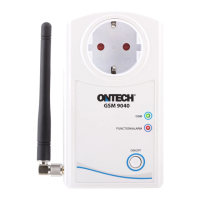
Connect the extra unit to the power (Ontech
Rtelay 9015 to a wall socket, Ontech 9012
Alarm Box to its battery).
The unit is shown in Ontech Control.
Connect extra units
Insert the supplied SIM card into your
unit.
Get started:
Help and support can be found at
www.ontechgsm.com.
Support:
Create your account at www.ontechgsm.
com and follow the instructions.
1
2
3


 To Next Page