www.boox.com
_________________________________________________________________________________________________________________________________________________________
Copyright © 2019 Onyx International. All rights reserved. 63 / 105
write.
For the “erase all”, you do not need to switch back to the brush.
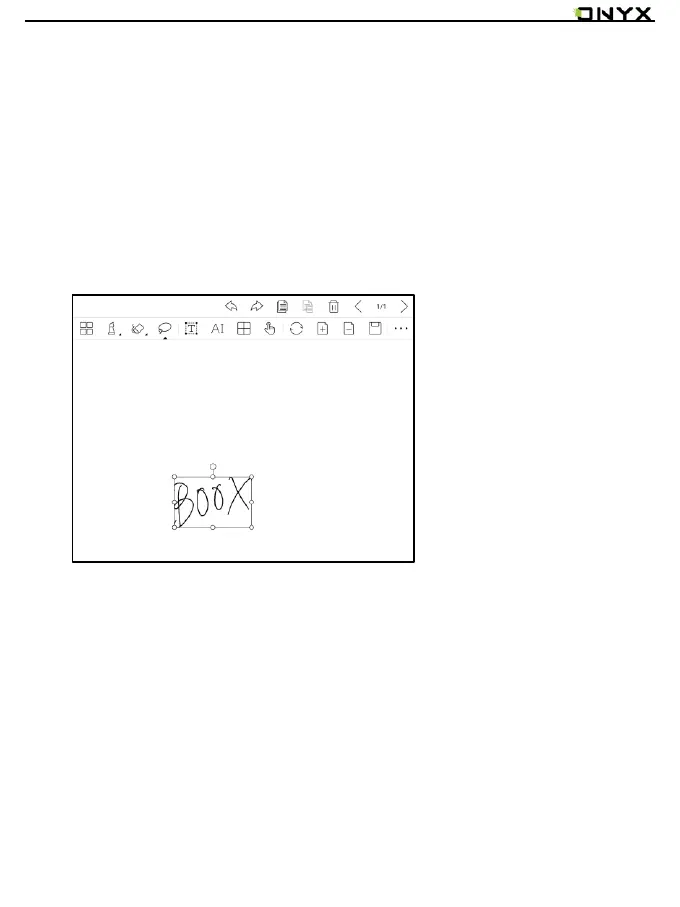
Select
In the select mode, circle an area on the screen, then users can zoom, move,
duplicate and remove the selected area.



 To Next Page