www.boox.com
_________________________________________________________________________________________________________________________________________________________
Copyright © 2019 Onyx International. All rights reserved. 69 / 105
10. Storage
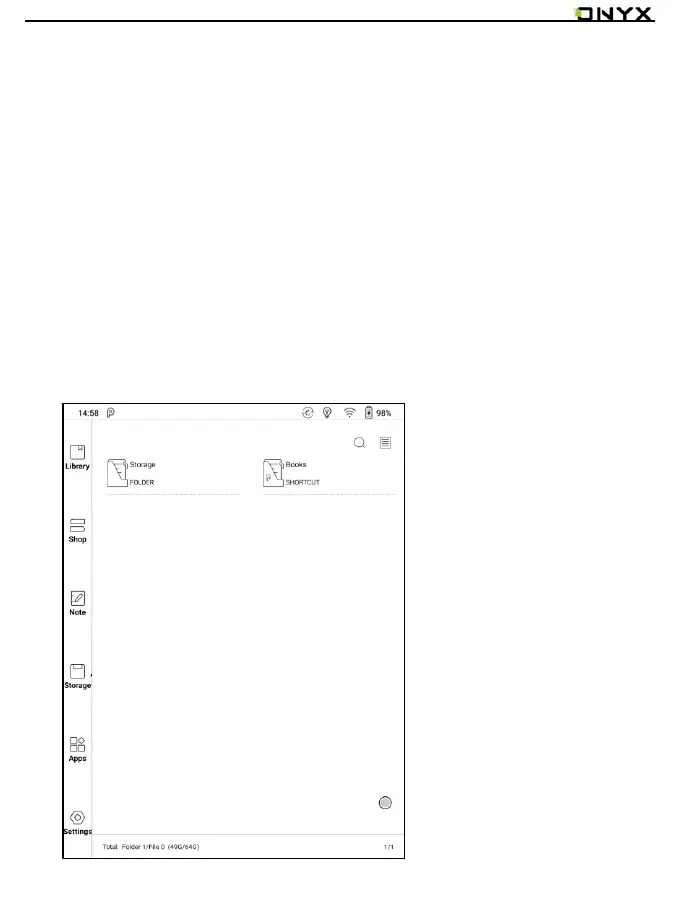
Storage displays all files from internal storage.
Files will be displayed in alphabetical order by default. It can be switched to file
type, size, create time.
The files can be viewed in thumbnail or list. Multiple selections are allowed.
Users can customize shortcut for folders in storage and place it in the storage
interface.
The way to make a shortcut: long press the folder > set a shortcut.



 To Next Page