www.boox.com
_________________________________________________________________________________________________________________________________________________________
Copyright © 2019 Onyx International. All rights reserved. 79 / 105
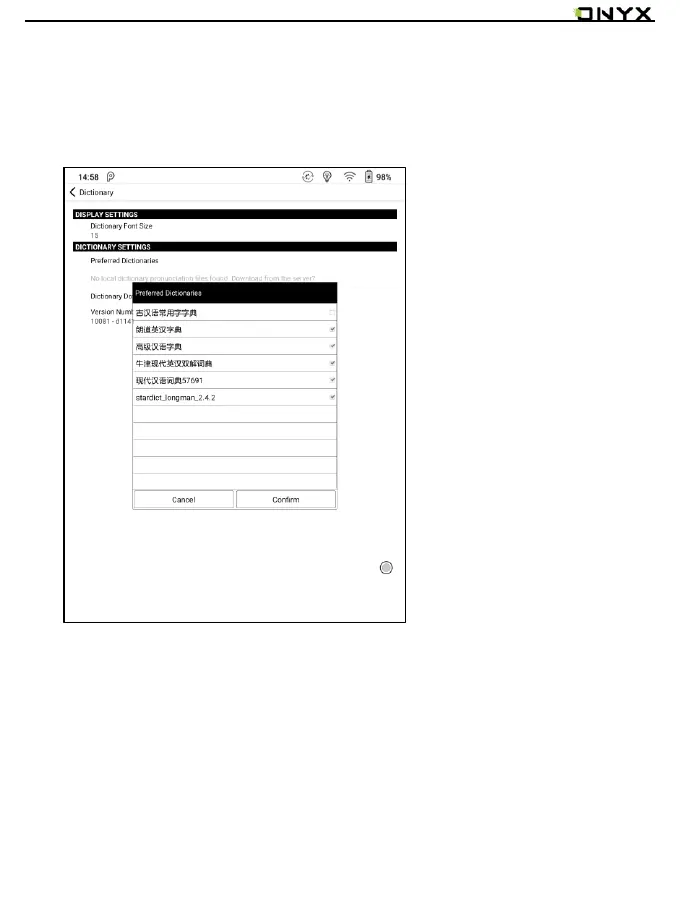
For the preferred dictionary settings, users can select up to 5 preferred
dictionaries. Users will be asked to select again if the select number is less than
1 or more than 5.
After dictionaries are installed, users can look up new words in the search bar.
Switch between different dictionaries by tapping a corresponding dictionary title
on the bottom.



 To Next Page