www.boox.com
_________________________________________________________________________________________________________________________________________________________
Copyright © 2019 Onyx International. All rights reserved. 19 / 106
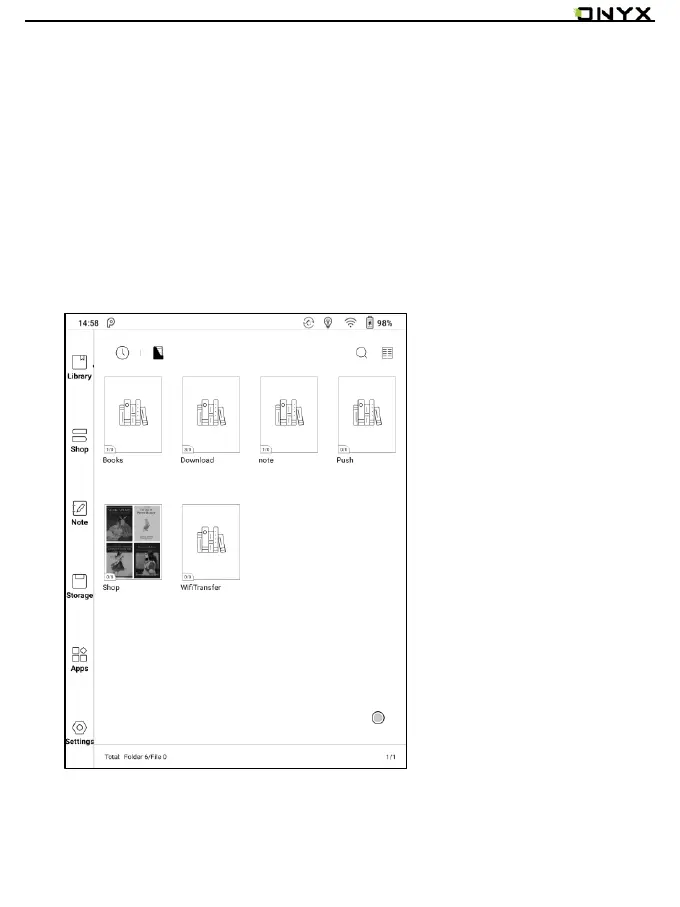
Library Display Switch
Click on these icons to switch the library display. By default, it auto-scans and
loads all the supported documents in specified paths, sorted by a specified
way.
Another one is to display the content based on the structure of storage. The
icons change after clicking on it.



 To Next Page