www.boox.com
_________________________________________________________________________________________________________________________________________________________
Copyright © 2019 Onyx International. All rights reserved. 24 / 106
7. Reader
Tap any E-book cover to open an E-book. Full-screen reading without showing
status bar is set by default.
To pull down from the top of the screen can call out the status bar.
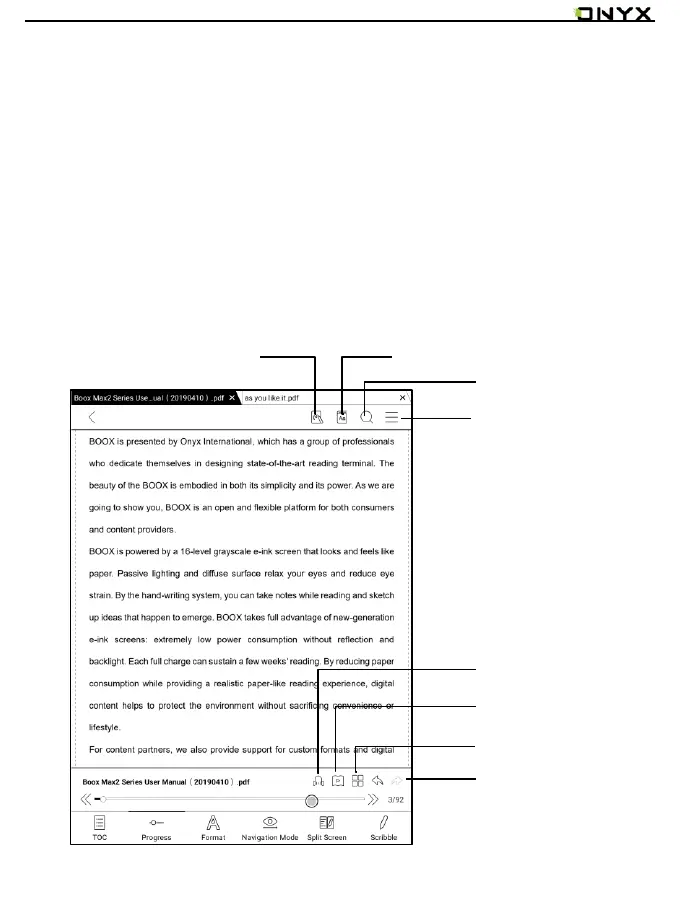
To tap on the center of the screen can call out the menu bar for switch among
different documents or other functions



 To Next Page