www.boox.com
_________________________________________________________________________________________________________________________________________________________
Copyright © 2019 Onyx International. All rights reserved. 26 / 106
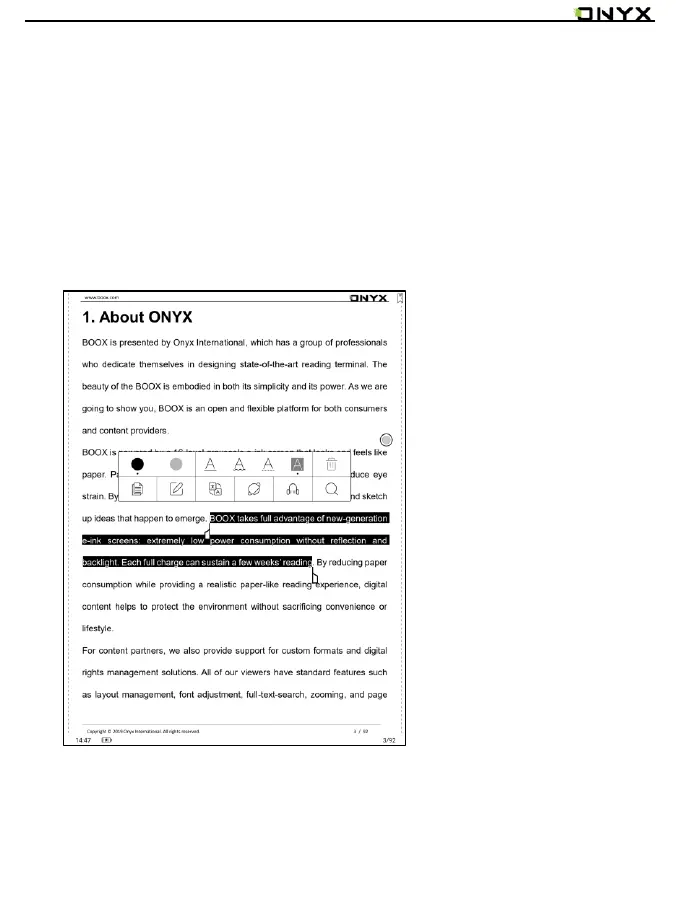
Long press on any word and drag to select the text you want to mark.
The highlight is set by default for selected text. Users can switch among
highlight, underline and others, the color highlight can be in black or grey. The
mark setting remains after a change. The marks before the change will not be
affected.
Tap on any position out of the dialog to exit the dialog.
Choose “Annotation” to pop out a text box to add notes if needed.



 To Next Page