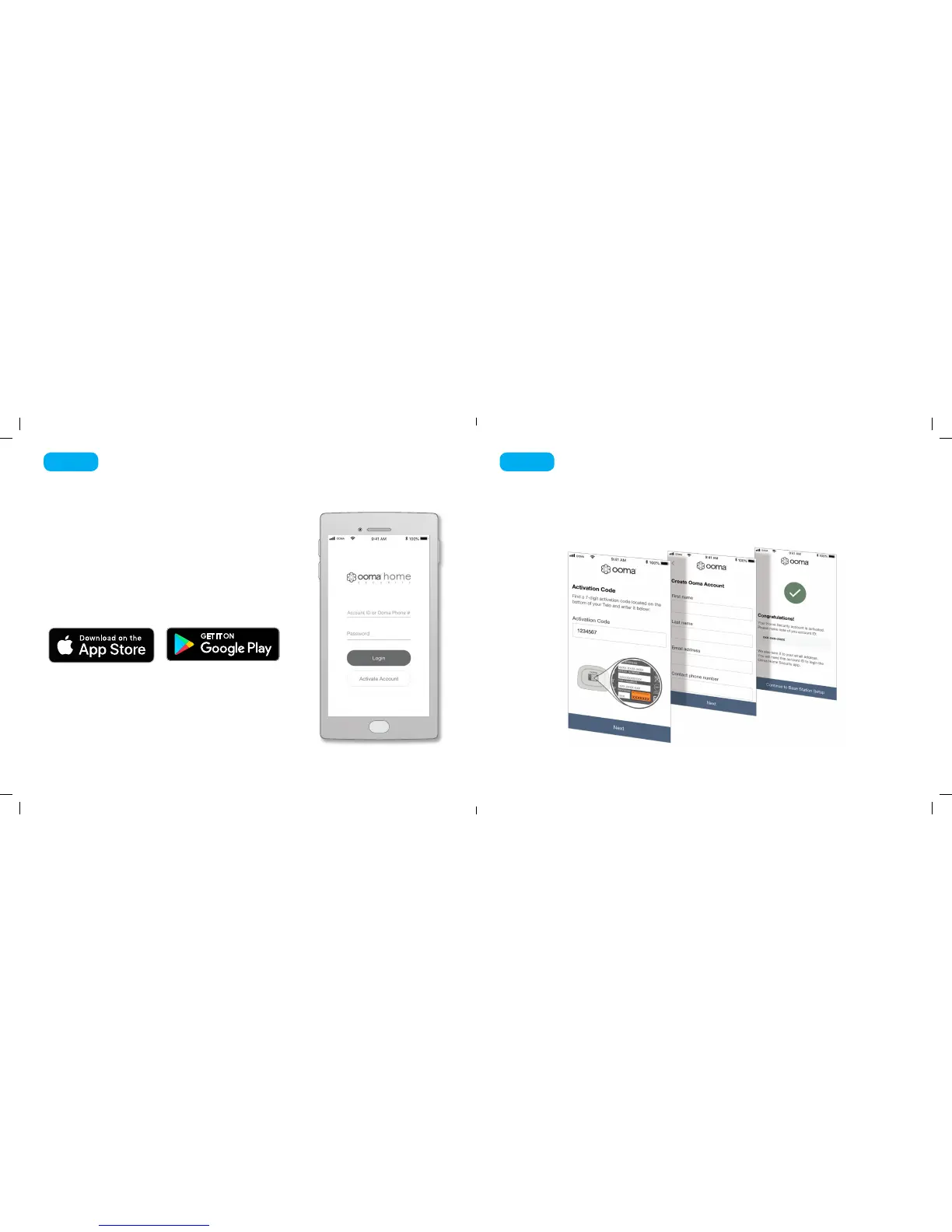
The Ooma Home Security app will be the main tool you use
to control your home security system. You will use it now to
complete the setup process for your Base Station. Later, you
can use the app to pair your Ooma sensors to your Base
Station, to congure your setup, to receive notications about
your sensors, to manage the system’s active mode, and more.
To download the app, search for Ooma Home Security in the
Apple App Store or the Google Play Store. Once the app is
installed on your device, open it up to move on to the next step
in the installation process.
Download the Ooma Home Security App
Step 1
4 5
The Ooma Home Security app will guide you through the process of activating your
Ooma Telo Base Station. You will need to provide your 911 address and billing information.
At the end of the activation process you will be assigned an Account ID that you will
use to log into the Home Security app.
Activate your Ooma Base Station
Step 2
Ooma-HomeSecQSG-700-0198-100-Oct2018-R4.indd 5-6 10/9/18 2:28 PM


 To Next Page